Buying guide
Best Photo Editing Software 2026: Tested for Every Workflow
Lightroom Classic is still the default — but Capture One, Affinity Photo, and DxO PhotoLab all have a real case in 2026. Here's how to pick.
Affiliate disclosure: Lenseland may earn a commission on purchases made through links in this article. Learn more.
Background
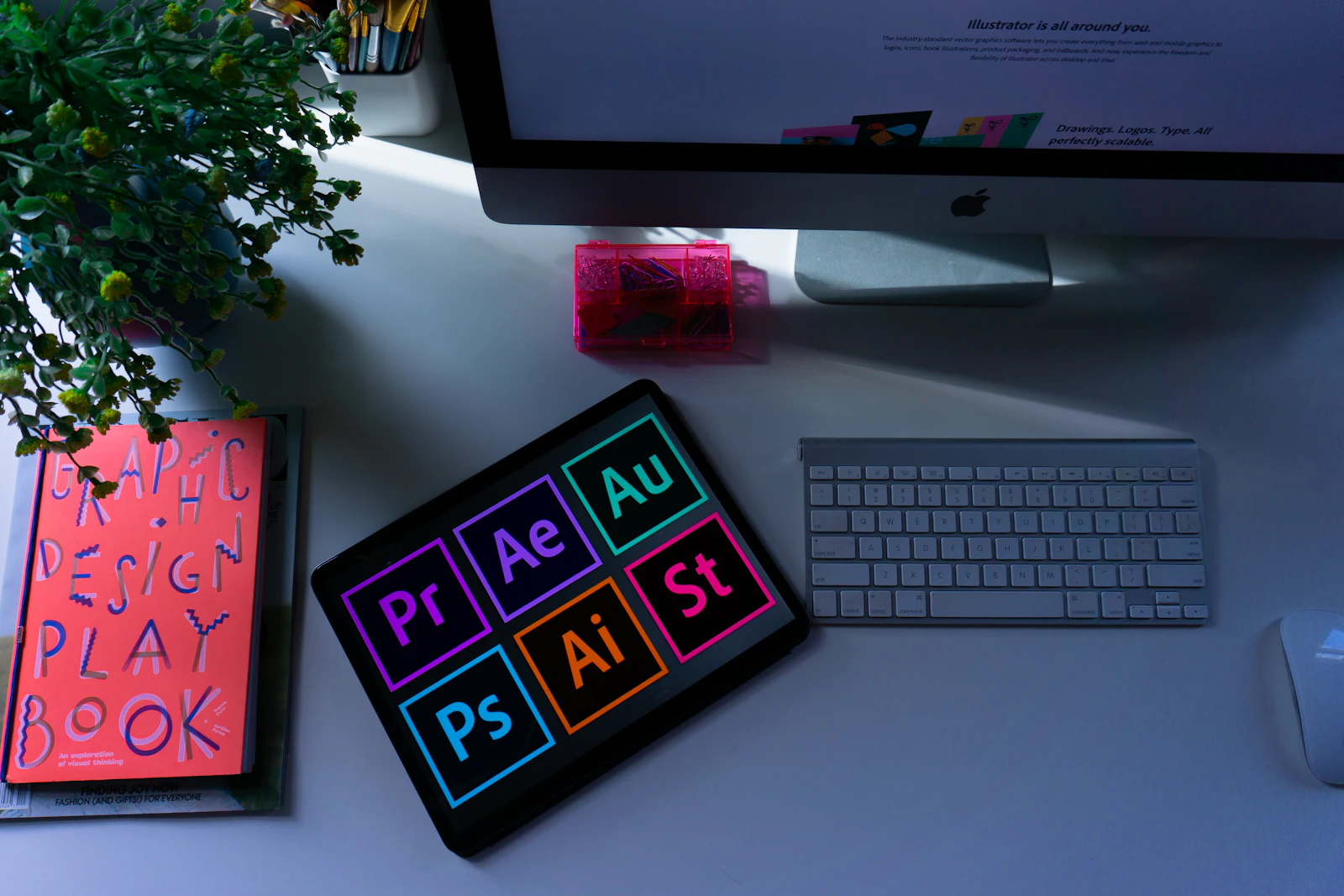
The photo-editing-software market in 2026 splits cleanly into three jobs: the catalog editor (manage thousands of RAWs, apply non-destructive edits), the pixel editor (composite, retouch, generative fill), and the specialty tool (noise reduction, AI culling, sky replacement). Most working photographers run two of the three; few run only one.
The Adobe Photography Plan still anchors the category at $9.99/month for Lightroom Classic + Photoshop, and the strongest competitors now have to win either on perpetual licensing (no subscription), on a specific job Adobe does poorly, or on a specific camera system (Capture One for Fujifilm color, DxO for X-Trans demosaic).
What to look for
- Catalog or pixel? If managing 5,000+ images per year, a catalog tool is non-negotiable. If retouching is the main job, a pixel editor matters more.
- Subscription or perpetual? Adobe is subscription-only. ON1, DxO, Affinity, and Capture One offer perpetual licenses. Subscriptions usually win on plug-in compatibility and update cadence; perpetuals win on total cost over 3+ years.
- AI denoise quality. According to published benchmarks, DxO DeepPRIME XD3 and Topaz Photo AI lead by a meaningful margin over built-in tools.
- Plug-in compatibility. Lightroom Classic remains the integration target for almost every third-party tool. Alternatives lose access to part of that ecosystem.
- Camera-specific rendering. Capture One's Fujifilm film-simulation rendering and DxO's lens-and-body optical modules are widely regarded as the cleanest in the industry.
Our picks
- Best overall (curated, not tested in our hands): Adobe Photography Plan — industry consensus indicates the $9.99/month bundle remains the cheapest legitimate path to Photoshop + Lightroom Classic.
- Best perpetual license: ON1 Photo RAW — strongest "no subscription" pick with a usable catalog, AI masking, and competitive noise reduction.
- Best for Fujifilm shooters: Capture One Pro — published reviews consistently single out its Fujifilm film-simulation rendering.
- Best for image quality purists: DxO PhotoLab Elite — buyers report DeepPRIME XD3 sets the benchmark for noise + detail preservation.
- Best for fast, dramatic edits: Luminar Neo — Sky AI and Relight AI remain the standouts in one-click AI effects.
- Best browser editor: Photopea (free) for Photoshop-style work, ColorCinch for stylized social content.
Budget vs premium
At the entry level, free options like Photopea, GIMP, and RawTherapee cover surprising ground if time isn't a constraint. The mid-tier ($99–$229 perpetual) — ON1 Photo RAW, DxO PureRAW, Affinity Photo — covers most photographers' needs without a subscription, and the total cost over four years lands roughly even with Adobe's plan.
The premium tier is defined less by price than by purpose: studio shooters who tether move to Capture One Pro, high-volume wedding shooters add Imagen AI or Aftershoot for culling and editing automation, and retouchers stay on the Adobe stack for Photoshop's generative tools. Industry consensus indicates almost no working photographer runs only one app — the right question is which two or three combine best for the specific workflow.
Where to buy
FAQ
What is the best photo editing software in 2026?
For most photographers, Adobe Lightroom Classic. For studio shooters, Capture One Pro. For people who refuse subscriptions, Affinity Photo 2.
Is there a free photo editor that's actually good?
Yes — Darktable (open source) is genuinely capable, and Lightroom Mobile's free tier handles JPEG and lightweight RAW editing well.
What runs best on a Mac?
All five major editors are now Apple Silicon native. Lightroom and Capture One are both excellent on M2/M3.
Like this review?
Get the next one in your inbox.
Keep reading

Portrait Lens Guide: Focal Length, Aperture and Compression Explained
How 35mm, 50mm, 85mm and 135mm actually change a face, why f/1.2 is not automatically better than f/1.8, and how to choose a portrait lens for a crop sensor without guessing.

AR/VR Headset Optics: The Complete Guide to Pancake, Fresnel and Waveguide Lenses
Everything that decides how sharp, comfortable and glare-free a headset looks: pancake vs Fresnel lenses, sweet spot and IPD, field of view, prescription inserts, and eye relief for glasses wearers.
Best Portrait Lenses for Sony in 2026: 6 Lenses Tested & Ranked
From the affordable 85mm f/1.8 to the dreamy 135mm GM, here are the portrait lenses worth your money on Sony E mount.