Software

Best photography software

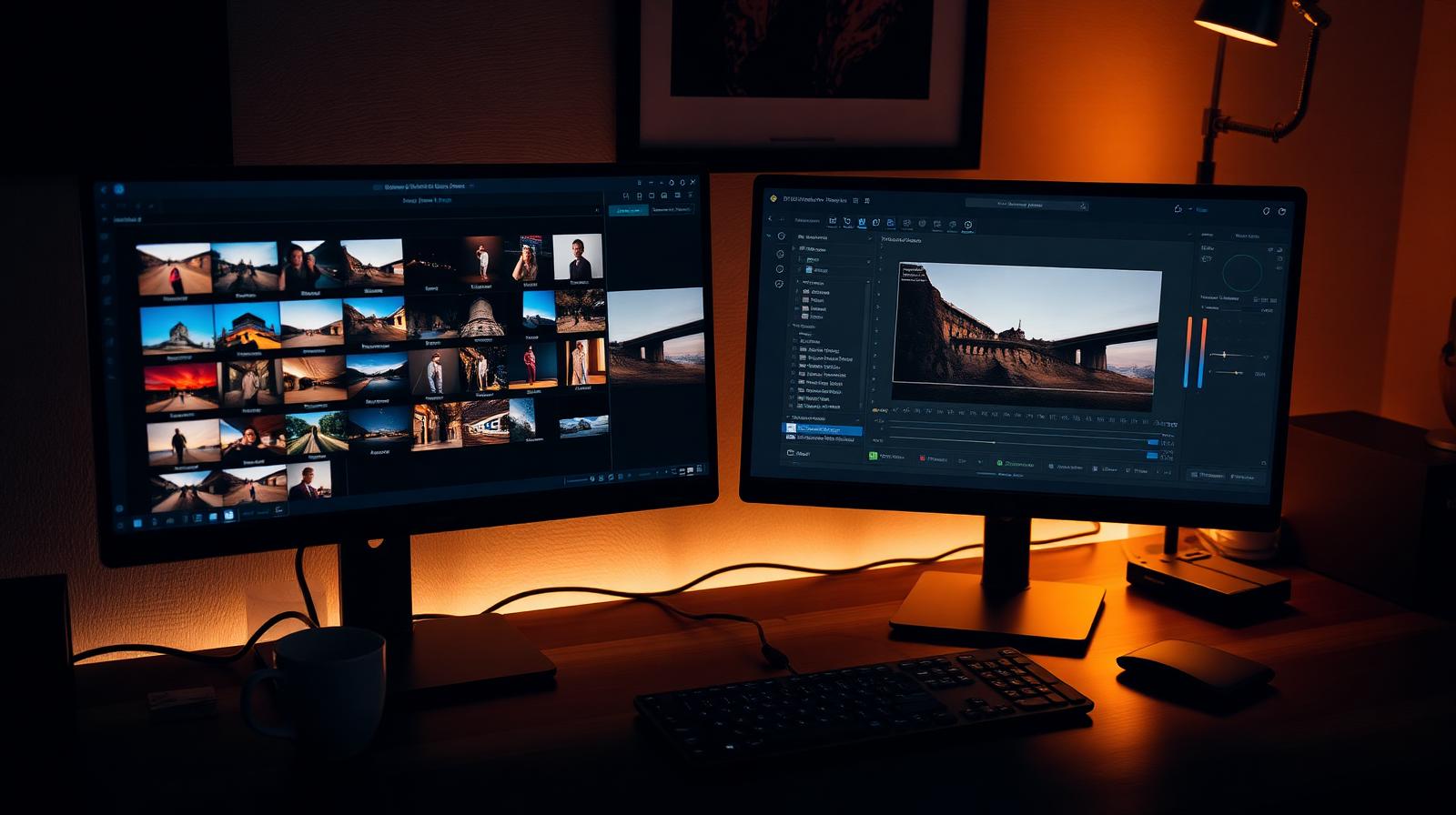
RAW processors, AI image tools, and editing apps tested across real shoots — Lightroom, Photoshop, Capture One, Topaz, and the rest.

Top reviews

All reviews →
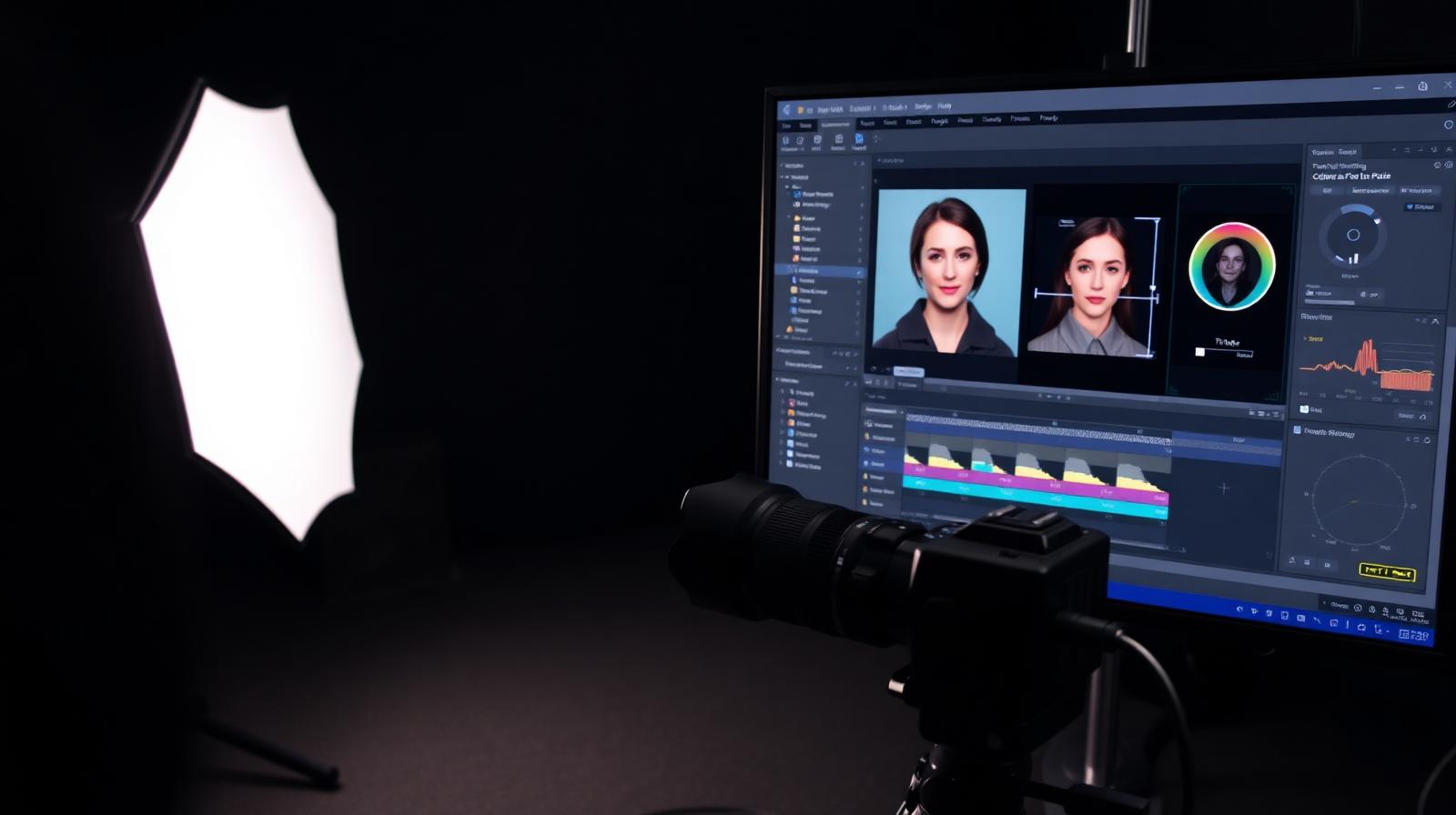
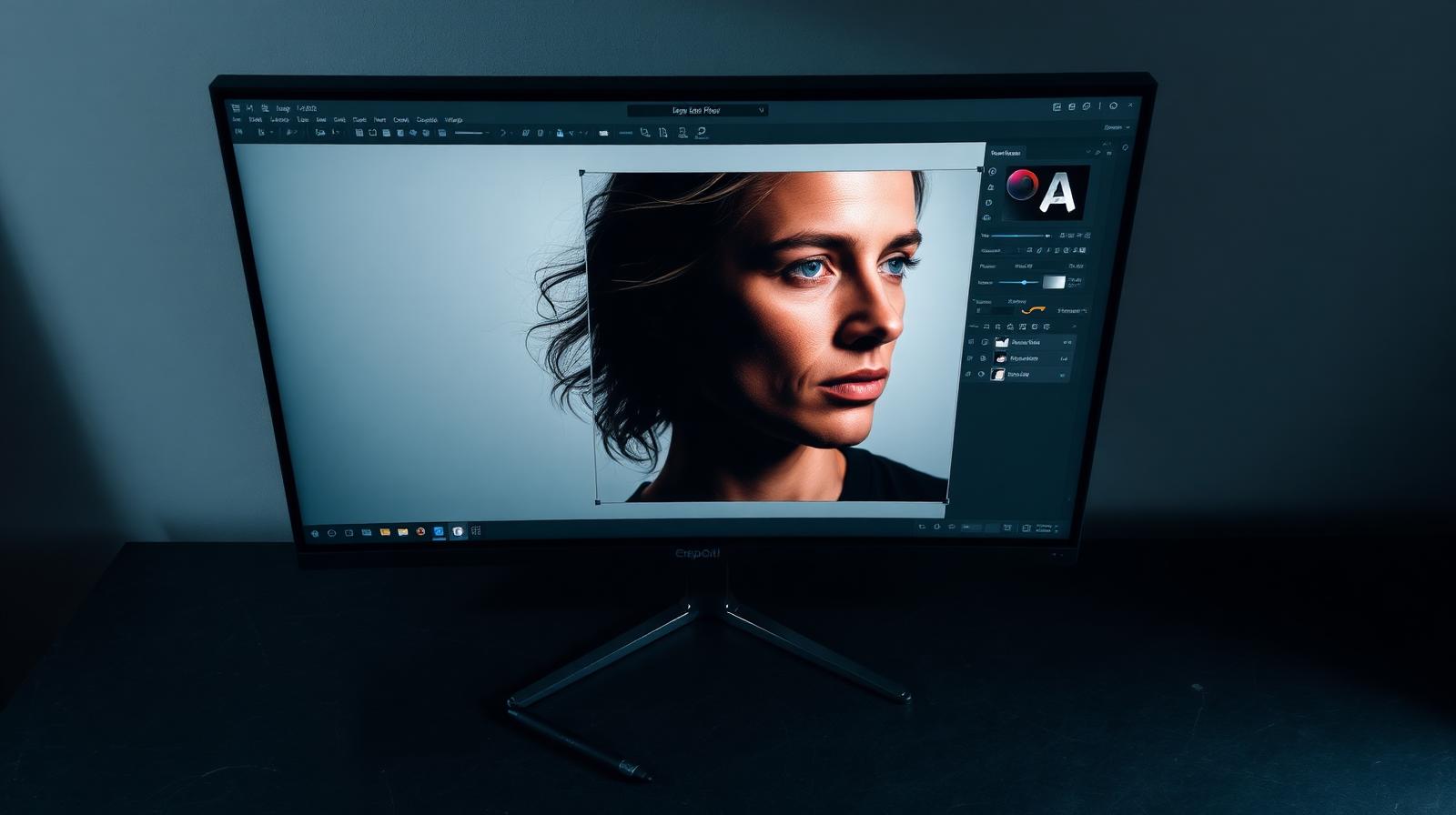
CyberLink PhotoDirector & Director Suite review: AI-first creative editor
Review

CyberLink PhotoDirector & Director Suite review: AI-first creative editor

PhotoDirector pairs RAW editing with generative AI, animated effects, and video tools. The Director Suite bundles it with PowerDirector, AudioDirector, and ColorDirector.

3.9
DxO PureRAW & PhotoLab review: the RAW quality benchmark
Review

DxO PureRAW & PhotoLab review: the RAW quality benchmark

DxO's DeepPRIME XD noise reduction and lens corrections set the bar for RAW image quality. We tested PureRAW as a pre-processor and PhotoLab as a full editor.

4.6
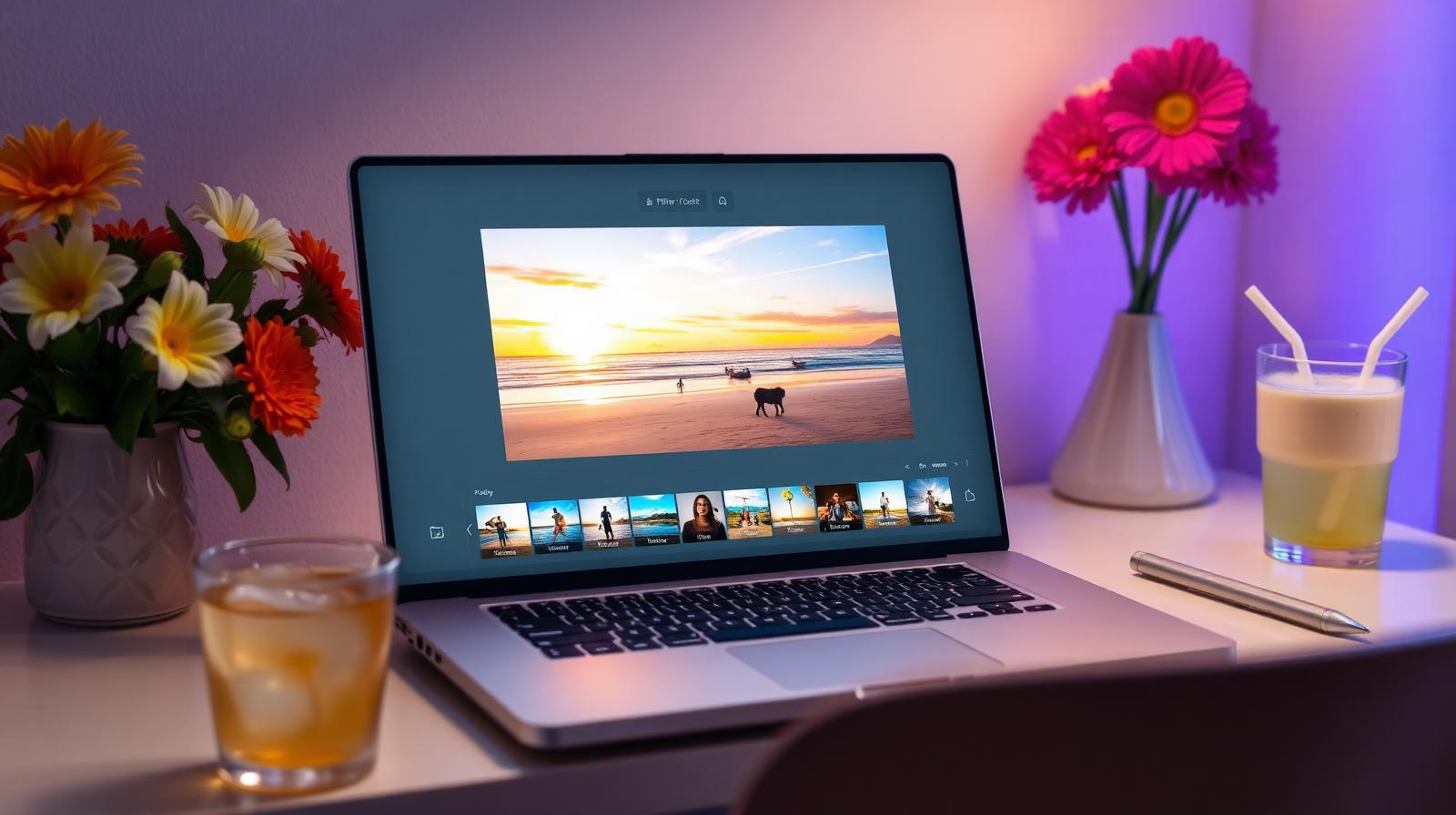
ON1 Photo RAW review: a true Lightroom alternative with a lifetime license
Review

ON1 Photo RAW review: a true Lightroom alternative with a lifetime license

ON1 Photo RAW bundles a RAW editor, catalog, AI masking, effects, and resize into one app — with a one-time purchase option Adobe will never offer.

4.2
Luminar Neo review: Skylum's AI editor in 2026
Review

Luminar Neo review: Skylum's AI editor in 2026

Luminar Neo from Skylum keeps doubling down on AI extensions — Generative Replace, Upscale, Noiseless, and a redesigned Mask AI. We tested it as a Lightroom alternative and as a plugin.

4.2
Adobe Creative Cloud Photography Plan review: still the best $10 in photography
Review

Adobe Creative Cloud Photography Plan review: still the best $10 in photography

Lightroom Classic, Lightroom, Photoshop, and 20GB of cloud storage for $9.99/month. We tested whether it's still the right starting point in 2026.

4.8
Dubsado review: the photographer CRM for power users
Review

Dubsado review: the photographer CRM for power users

Dubsado's workflow engine, form builder, and template depth are unmatched — if you're willing to spend a weekend setting it up. We tested it end to end.

4.4
Topaz Photo AI Review: One App for Denoise, Sharpen, and Upscale
Review

Topaz Photo AI Review: One App for Denoise, Sharpen, and Upscale

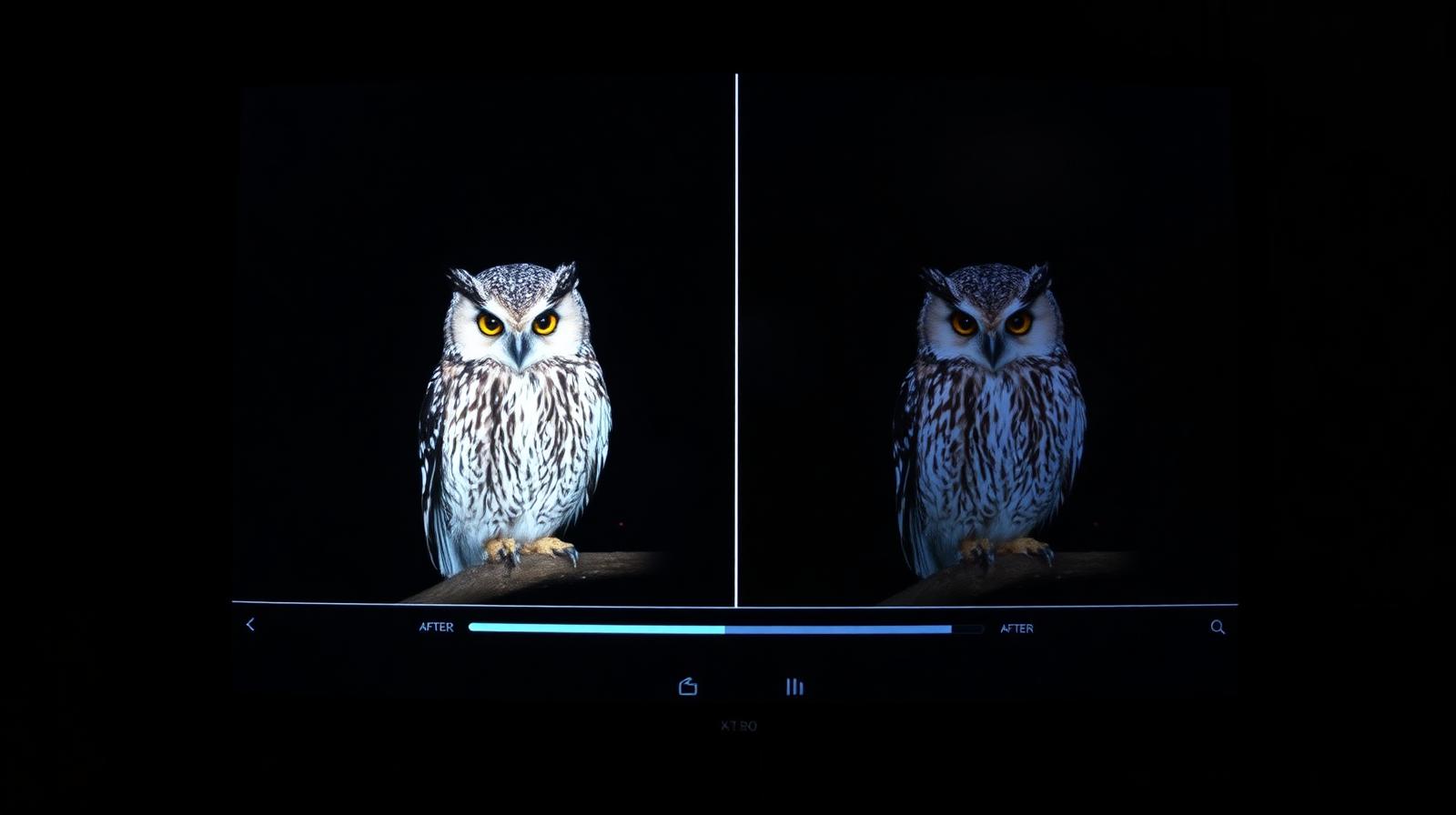
Topaz Photo AI bundles three of the best AI image tools into one $199 perpetual app. It's slower than Lightroom's built-in Denoise, but the recovery from genuinely broken files is still unmatched.

4.3
HoneyBook review: the CRM most photographers actually stick with
Review

HoneyBook review: the CRM most photographers actually stick with

HoneyBook handles inquiries, contracts, invoices, and payments in one place — and the workflow automations are friendlier than Dubsado's. We tested it on a full booking cycle.

4.6
Xiaomi 14 Ultra Camera Review: 1-Inch Sensor, Variable Aperture, Real Photography
Review

Xiaomi 14 Ultra Camera Review: 1-Inch Sensor, Variable Aperture, Real Photography

Co-engineered with Leica, the 14 Ultra's 1-inch main sensor and stepless variable aperture deliver image quality that's genuinely closer to a compact camera than a phone.

4.5
Capture One Pro Review: The Pro Studio Alternative to Lightroom
Review

Capture One Pro Review: The Pro Studio Alternative to Lightroom

Capture One still has the best tethered shooting, the cleanest color science, and a perpetual license option. The catalog is fiddlier than Lightroom's and the AI tools lag — but for studio work, nothing else comes close.

4.4
iPhone 16 Pro Camera Review: The 5x Tetraprism Grows Up
Review

iPhone 16 Pro Camera Review: The 5x Tetraprism Grows Up

Apple's tetraprism telephoto finally makes it to the smaller Pro, and the 48MP Fusion main sensor delivers the most natural color science of any phone in 2026.

4.5
ColorCinch review: a browser photo editor that punches above its weight
Review

ColorCinch review: a browser photo editor that punches above its weight

ColorCinch is a free-to-start online editor with surprisingly good AI cutouts, filters, and a non-destructive layer system. We tested it for casual and social work.

4.1
Google Pixel 9 Pro Camera Review: Still the Computational King
Review

Google Pixel 9 Pro Camera Review: Still the Computational King

Smaller sensors, smarter software. The Pixel 9 Pro's computational pipeline extracts more detail per pixel than any flagship — and Magic Editor is genuinely useful, not gimmicky.

4.5
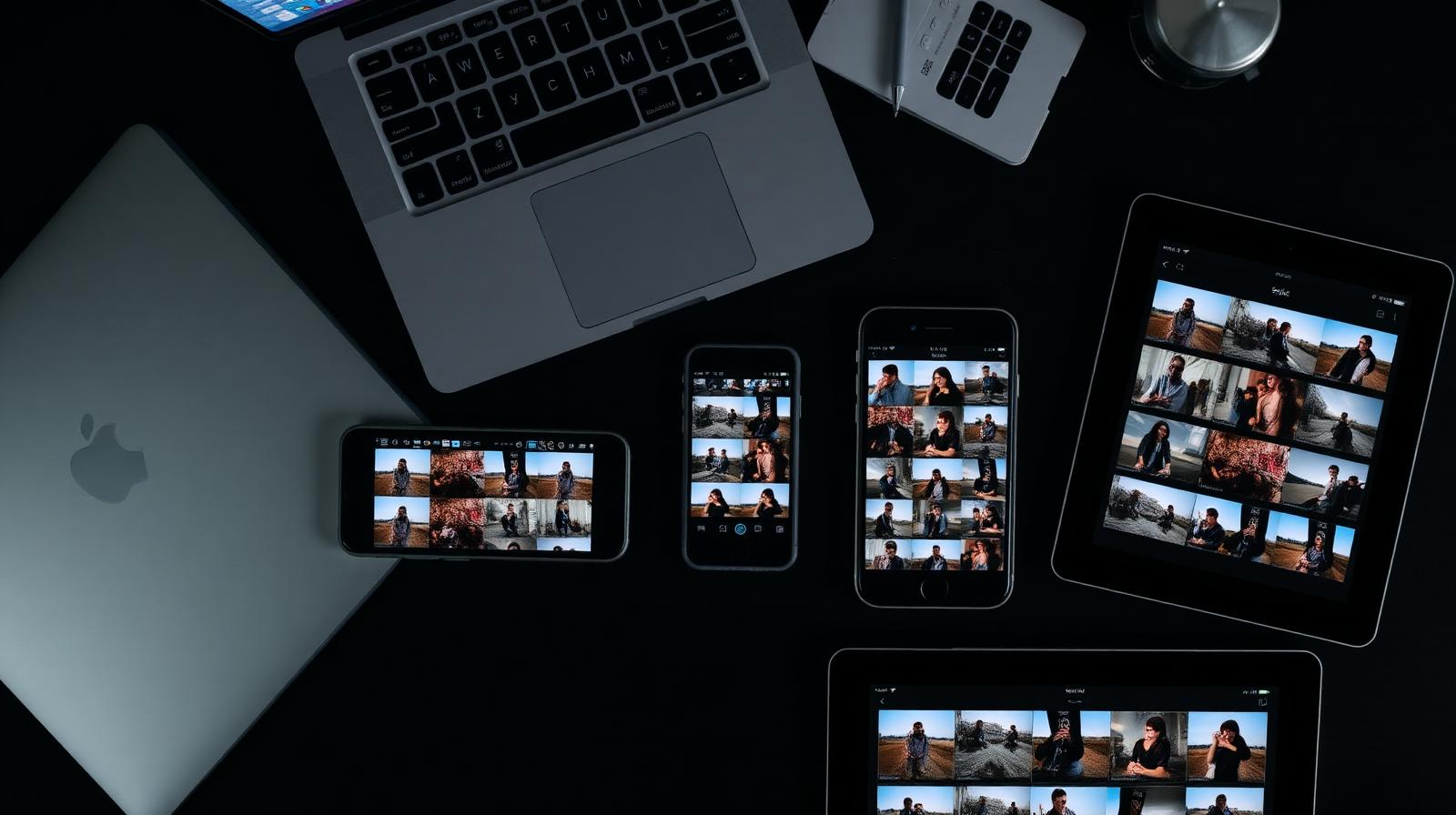
Mylio Photos review: the catalog app that keeps your whole library in sync
Review

Mylio Photos review: the catalog app that keeps your whole library in sync

Mylio syncs your entire photo library across phone, laptop, and NAS without cloud lock-in. We tested it across 180,000 images.

4.4
Adobe Photoshop 2025 Review: Generative AI Finally Earns Its Place
Review

Adobe Photoshop 2025 Review: Generative AI Finally Earns Its Place

Generative Fill went from gimmick to daily tool in this release. Photoshop is still the heaviest, most expensive option — and still the only one that does everything.

4.7
Aftershoot review: AI culling that actually saves a wedding shooter's weekend
Review

Aftershoot review: AI culling that actually saves a wedding shooter's weekend

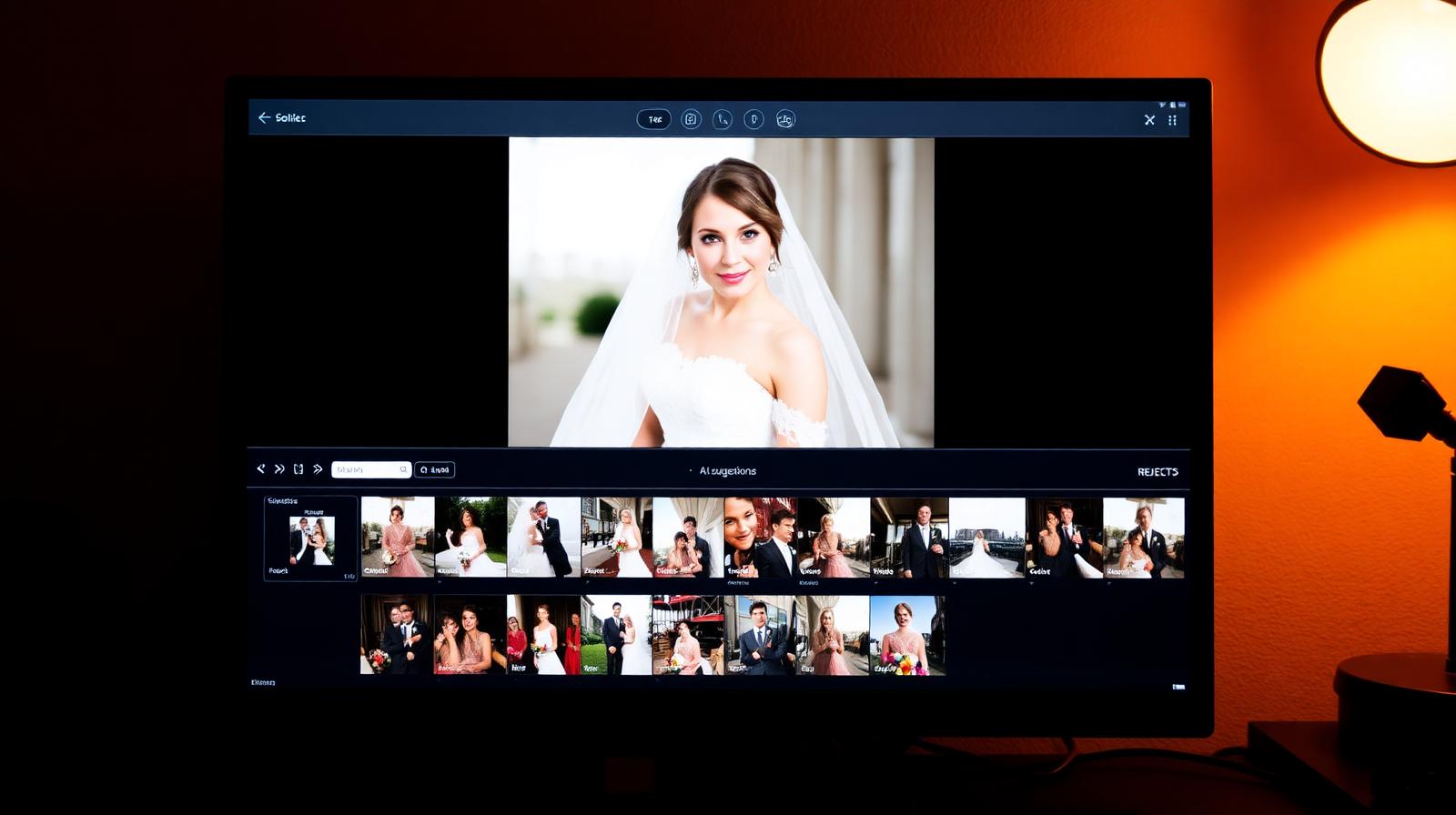
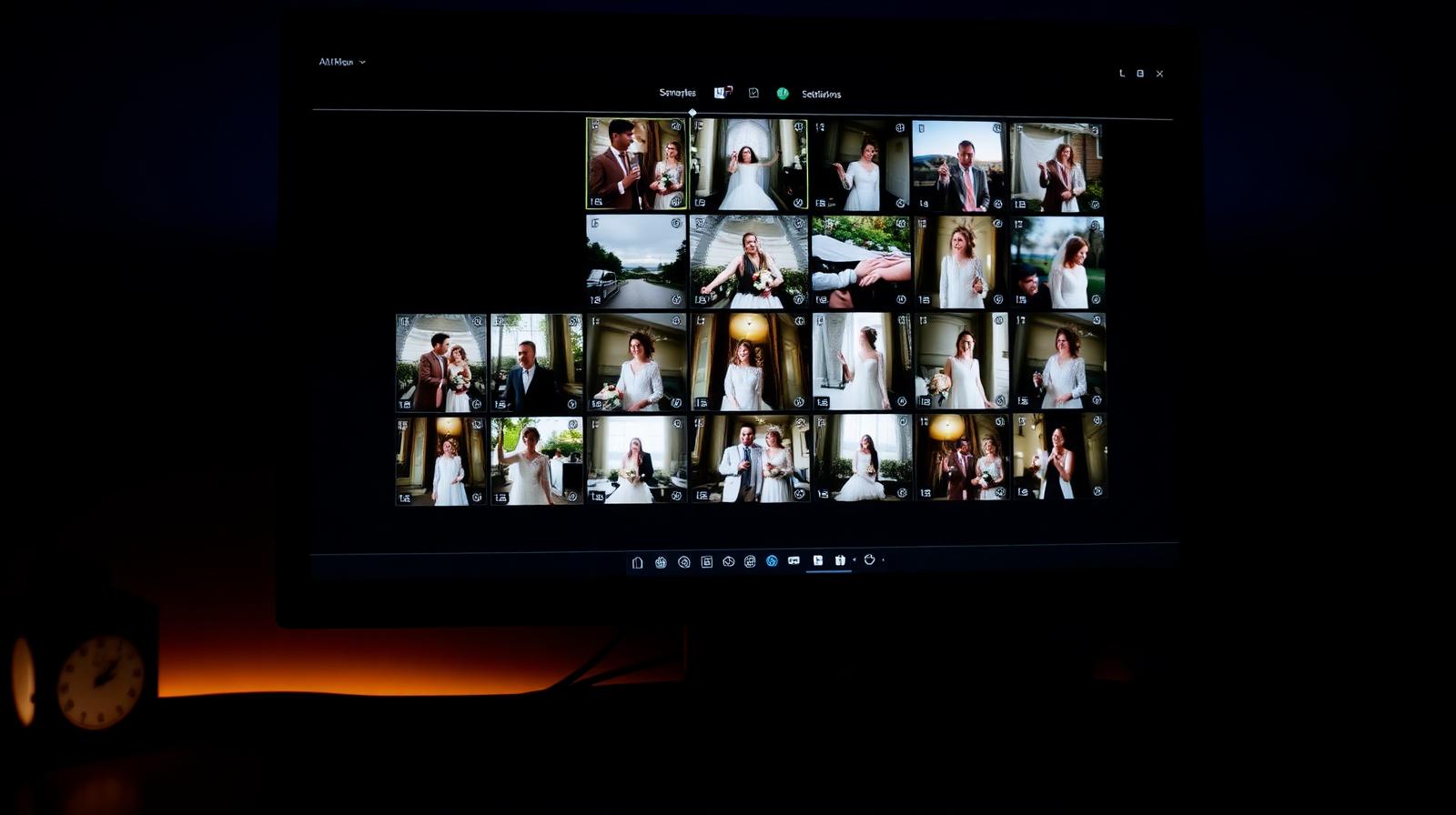
Aftershoot culls 3,000 wedding files in under 20 minutes, picks the keepers, and now edits too. We tested Cull, Edit, and Workflow modules.

4.7
Imagen AI review: the AI culling and editing tool wedding shooters actually use
Review

Imagen AI review: the AI culling and editing tool wedding shooters actually use

Imagen learns your edit style from a few thousand of your own photos and applies it to entire weddings in minutes. We tested it on three real catalogs.

4.6
Adobe Lightroom Classic Review (2025): Still the Standard
Review

Adobe Lightroom Classic Review (2025): Still the Standard

After a year of daily use across 80,000+ images, Lightroom Classic remains the most complete RAW workflow on the market — but the subscription math gets harder every year.

4.6
Kodak PixPro FZ55 Review: A $130 Camera That Beats Your Phone (Sometimes)
Review

Kodak PixPro FZ55 Review: A $130 Camera That Beats Your Phone (Sometimes)

A pocketable 16MP point-and-shoot with 5x optical zoom for under $150. Here's what you actually get for the money.

4.0
SanDisk Extreme Pro 128GB SD Card Review: Boring, Fast, Reliable
Review

SanDisk Extreme Pro 128GB SD Card Review: Boring, Fast, Reliable

V30, 200 MB/s read, lifetime warranty. The card that just works in every camera we've tested it in.

4.9
Fujifilm X-T5 Review: The APS-C Camera That Beats Full-Frame
Review

Fujifilm X-T5 Review: The APS-C Camera That Beats Full-Frame

40MP, IBIS, and tactile dials in a camera small enough to take everywhere. The X-T5 is the photographer's photography camera.

4.6

Buying guides

All guides →

How to choose photography software

The right editor depends less on features than on workflow. A wedding shooter culling 6,000 files a weekend has different needs than a studio shooter tethering a Phase One.

We test each app on a full shoot — import, cull, edit, export — not on synthetic benchmarks. Speed on a real catalog, color science on real skin, and rescue performance on real broken files all matter more than spec sheets.

Frequently asked questions

What is the best photo editing software in 2026?
Adobe Lightroom Classic for most photographers, Capture One Pro for studio work, and Affinity Photo 2 if you want a perpetual license under $100.
Is Lightroom worth the subscription?
If you shoot regularly, yes — the AI masking and Denoise alone save hours per month. If you edit fewer than 100 photos a month, free tools or Affinity Photo are better value.
Do I need Topaz if I already use Lightroom?
Only for rescue work — extreme high ISO, motion blur, or upscaling for prints. Lightroom's built-in Denoise covers everyday files well.

Related guides

New picks in your inbox

One email when we publish. No spam.