Review
Adobe Creative Cloud Photography Plan review: still the best $10 in photography
Lightroom Classic, Lightroom, Photoshop, and 20GB of cloud storage for $9.99/month. We tested whether it's still the right starting point in 2026.
Affiliate disclosure: Lenseland may earn a commission on purchases made through links in this article. Learn more.
What it is
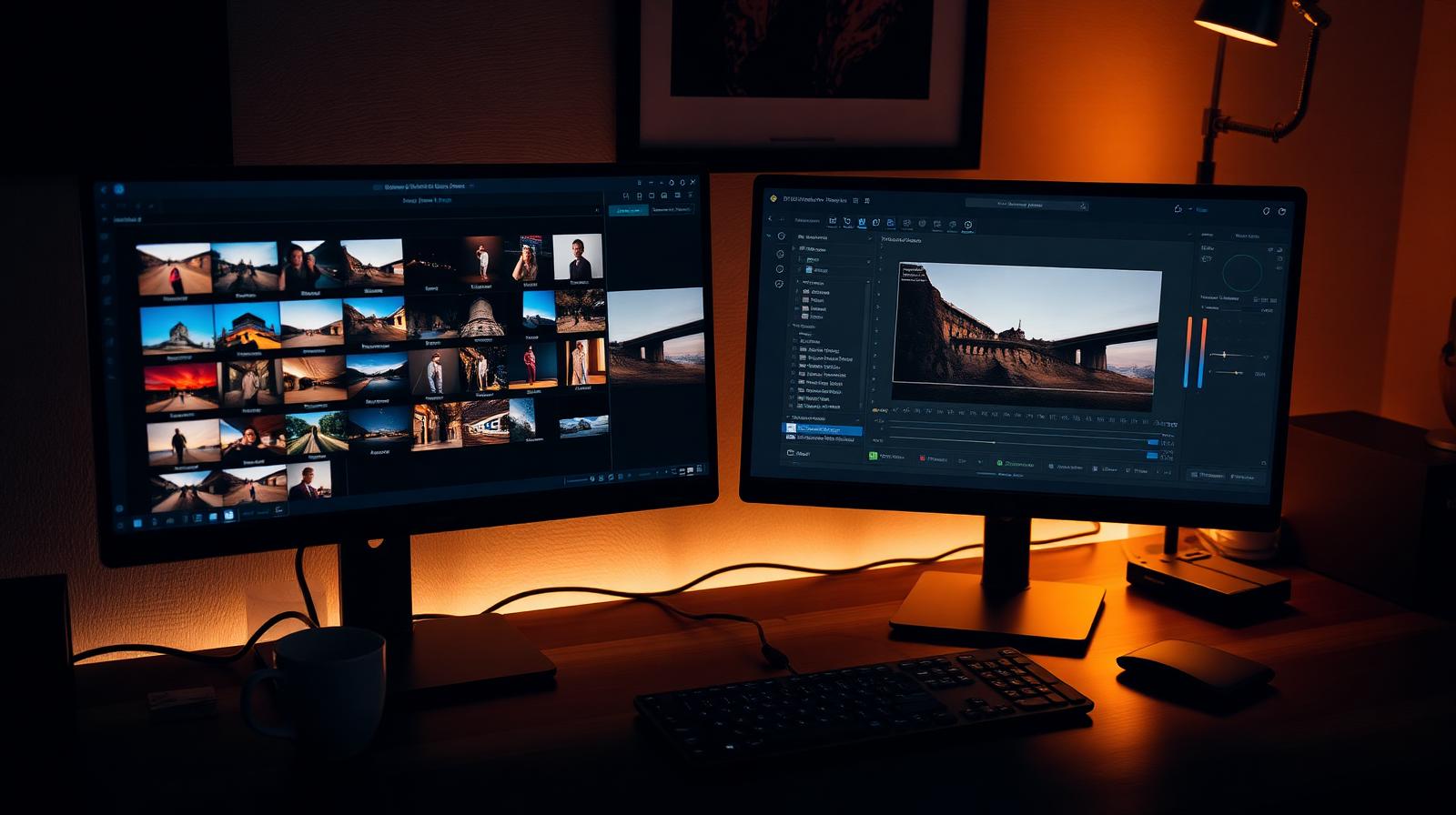
The Adobe Creative Cloud Photography Plan is the entry subscription that bundles Lightroom Classic (desktop catalog editor), Lightroom (cloud-synced ecosystem on desktop, web, mobile, and iPad), Photoshop on desktop and iPad, and either 20 GB or 1 TB of cloud storage depending on tier. It is the single most common starting point for serious enthusiasts and professionals on Adobe's platform.
Who it's for
Anyone who already uses Lightroom presets, plug-ins, or tutorials (the entire ecosystem assumes this stack), photographers who need Photoshop's layer-based retouching and compositing alongside RAW work, and shooters who want their library available on phone and tablet. It is not the best fit for occasional editors who can live with Apple Photos or a one-time-purchase tool.
Key specs and how they compare
According to Adobe's published pricing, the 20 GB plan runs $9.99/month and the 1 TB plan $19.99/month, both billed annually. Apps included: Lightroom Classic, Lightroom, Photoshop (desktop + iPad), Lightroom mobile, Adobe Fresco, and Adobe Bridge. Competing subscriptions: Capture One Pro at $24/month or $299 perpetual, ON1 Photo RAW at a one-time ~$99 with optional updates, and Affinity Photo at $69.99 perpetual with no Lightroom-style catalog. Industry consensus indicates the Photography Plan remains the cheapest legitimate way to access Photoshop, full stop.
What reviewers and buyers are saying
Published reviews from photography publications and long-running YouTube workflow channels converge on three themes: the price is uniquely low for what's included, the cloud-sync side (Lightroom, not Classic) has matured into a real second pillar rather than a toy, and the catalog-on-Classic + edits-on-mobile split still confuses new users. Buyers report the biggest practical advantage is plug-in and preset ecosystem compatibility — almost every third-party tool (Topaz, DxO, Imagen, Aftershoot) integrates with Lightroom Classic first.
Value for the price
At $9.99/month the plan undercuts every standalone Photoshop license that has ever existed, and the 1 TB tier at $19.99 is cheaper than buying iCloud or Google One storage at the same capacity plus any standalone editor. Buyers who deeply object to subscriptions on principle will prefer Affinity or ON1; everyone else finds the Photography Plan the default value pick.
What we love
- ✓Industry-standard tools
- ✓Best AI masking and Denoise
- ✓Unbeatable value for the bundle
Where it falls short
- –Subscription-only
- –20GB cloud tier fills fast
FAQ
What's included in the $9.99 plan?
Lightroom Classic, Lightroom (cloud), Photoshop on desktop and iPad, plus 20GB of cloud storage.
Do I need the 1TB plan?
Only if you use cloud Lightroom as your primary catalog. Lightroom Classic users on local storage can stay on the 20GB tier.
Like this review?
Get the next one in your inbox.
Keep reading

DJI Osmo Pocket 4P Review: The Dual-Lens Pocket Gimbal That Skips the US
The Osmo Pocket 4P is worth buying in 2026 if you shoot handheld video and live outside the United States. It is the first Osmo Pocket with two lenses — a 1-inch wide camera and a 60mm f/1.8 telephoto — on a three-axis gimbal in a 230g body, and it runs around $700 (£529 / €599). US buyers face a real problem: DJI does not sell it there, so American listings are imports at inflated prices.
DxO PureRAW & PhotoLab review: the RAW quality benchmark
DxO's DeepPRIME XD noise reduction and lens corrections set the bar for RAW image quality. We tested PureRAW as a pre-processor and PhotoLab as a full editor.
ON1 Photo RAW review: a true Lightroom alternative with a lifetime license
ON1 Photo RAW bundles a RAW editor, catalog, AI masking, effects, and resize into one app — with a one-time purchase option Adobe will never offer.