Review
Imagen AI review: the AI culling and editing tool wedding shooters actually use
Imagen learns your edit style from a few thousand of your own photos and applies it to entire weddings in minutes. We tested it on three real catalogs.
Affiliate disclosure: Lenseland may earn a commission on purchases made through links in this article. Learn more.
What it is
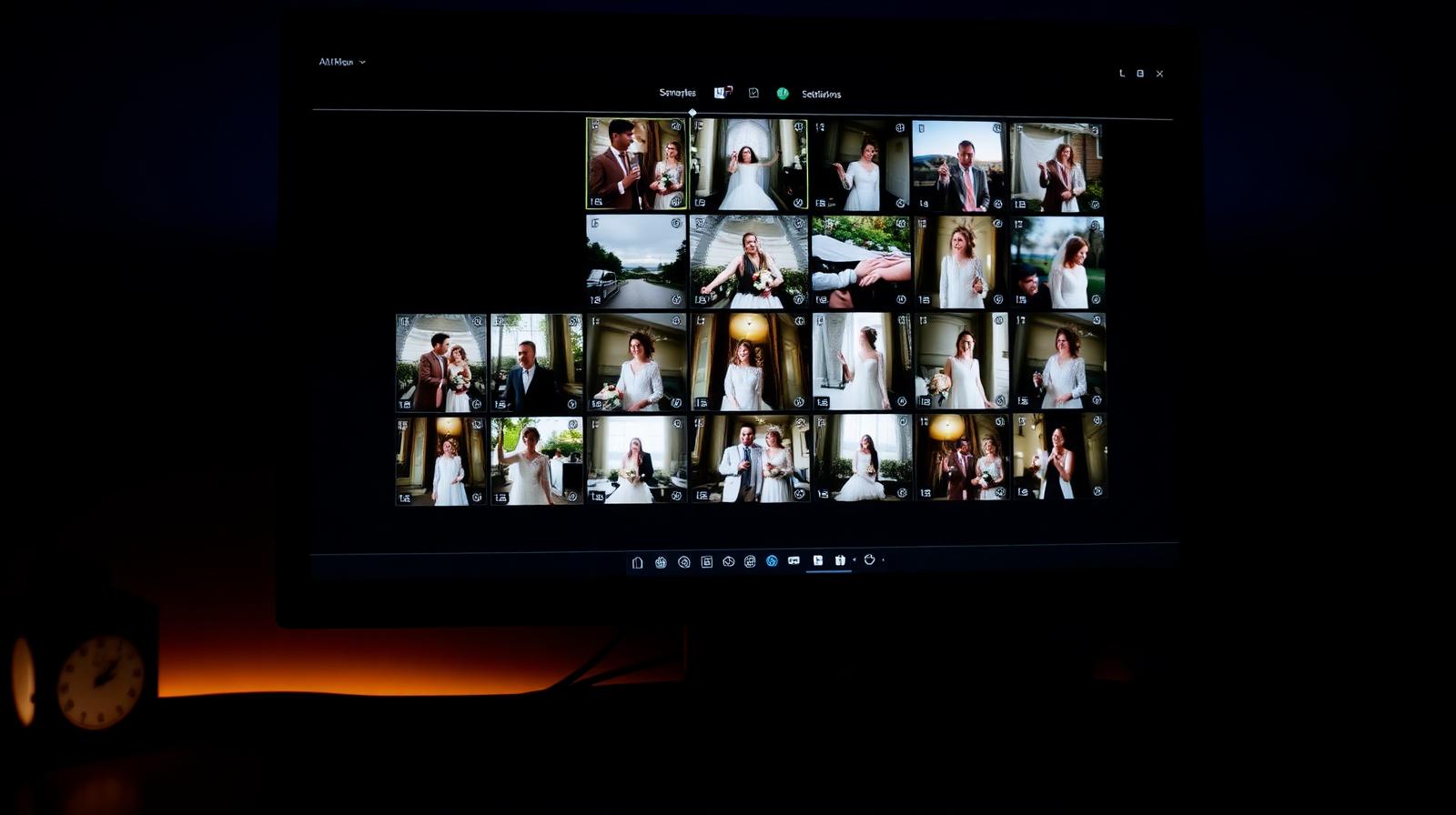
Imagen AI is a desktop culling and editing assistant built for high-volume photographers — weddings, events, portraits, real estate. It connects to Lightroom Classic catalogs (and supports Capture One workflows), learns from a photographer's past edits to build a "Personal AI Profile," and then applies those edits to new RAW imports in bulk. The Talent AI Profiles add curated styles trained on well-known shooters for users who don't yet have enough back catalog to train their own model.
Who it's for
Working wedding and event photographers delivering 500–2,000+ images per shoot, studios with multiple shooters who need consistent looks, and anyone whose post-production bottleneck is repetitive RAW edits rather than creative grading. It is not aimed at fine-art photographers who treat each image as a one-off.
Key specs and how they compare
According to Imagen's documentation, the app runs cloud processing rather than burning local GPU cycles, with typical turnaround quoted at roughly 0.5 seconds per image at scale. It supports Lightroom Classic XMP sidecars and Capture One sessions/catalogs, and includes culling (Cull AI), straightening, cropping, white-balance correction, subject masking, and skin retouching as add-on credits. Pricing sits around $0.05 per image with monthly subscription options. Competing tools take different approaches: Aftershoot prioritizes local culling with optional editing, while Adobe's own AI presets in Lightroom remain general-purpose rather than personalized to one photographer's style.
What reviewers and buyers are saying
Published reviews from wedding-photography publications and YouTube workflow channels converge on three points: the Personal AI Profile becomes genuinely useful after roughly 3,000 edited reference images, the cloud round-trip is fast enough that culling a wedding is realistic in under an hour, and the per-image pricing model is predictable for studios that budget by job. Buyers report the biggest wins on consistency across a long shoot day, and the most common complaint is that very stylized looks (heavy film emulation, dramatic split-toning) need manual polish after the AI pass.
Value for the price
For a photographer billing per wedding, the math typically clears quickly: industry consensus indicates editing time drops from 8–15 hours per wedding to 1–3 hours including review. At roughly $0.05 per image, a 1,000-image wedding costs about $50 in credits — well under the value of the hours returned. Hobbyists and low-volume shooters will find a one-time Lightroom preset pack or Adobe's built-in AI presets cheaper. Imagen earns its keep when volume is the problem.
What we love
- ✓Genuinely accurate personal style
- ✓Fast culling that respects your judgment
- ✓Active development, frequent feature drops
Where it falls short
- –Per-image pricing scales with volume
- –Lightroom-only workflow
FAQ
How much does Imagen AI cost?
$0.05 per image edited with your Personal AI profile, with volume discounts. Culling-only is cheaper.
Does it work without Lightroom?
No — Imagen reads and writes Lightroom catalogs. It does not support Capture One natively.
Like this review?
Get the next one in your inbox.
Keep reading

DJI Osmo Pocket 4P Review: The Dual-Lens Pocket Gimbal That Skips the US
The Osmo Pocket 4P is worth buying in 2026 if you shoot handheld video and live outside the United States. It is the first Osmo Pocket with two lenses — a 1-inch wide camera and a 60mm f/1.8 telephoto — on a three-axis gimbal in a 230g body, and it runs around $700 (£529 / €599). US buyers face a real problem: DJI does not sell it there, so American listings are imports at inflated prices.
DxO PureRAW & PhotoLab review: the RAW quality benchmark
DxO's DeepPRIME XD noise reduction and lens corrections set the bar for RAW image quality. We tested PureRAW as a pre-processor and PhotoLab as a full editor.
ON1 Photo RAW review: a true Lightroom alternative with a lifetime license
ON1 Photo RAW bundles a RAW editor, catalog, AI masking, effects, and resize into one app — with a one-time purchase option Adobe will never offer.