Review
Aftershoot review: AI culling that actually saves a wedding shooter's weekend
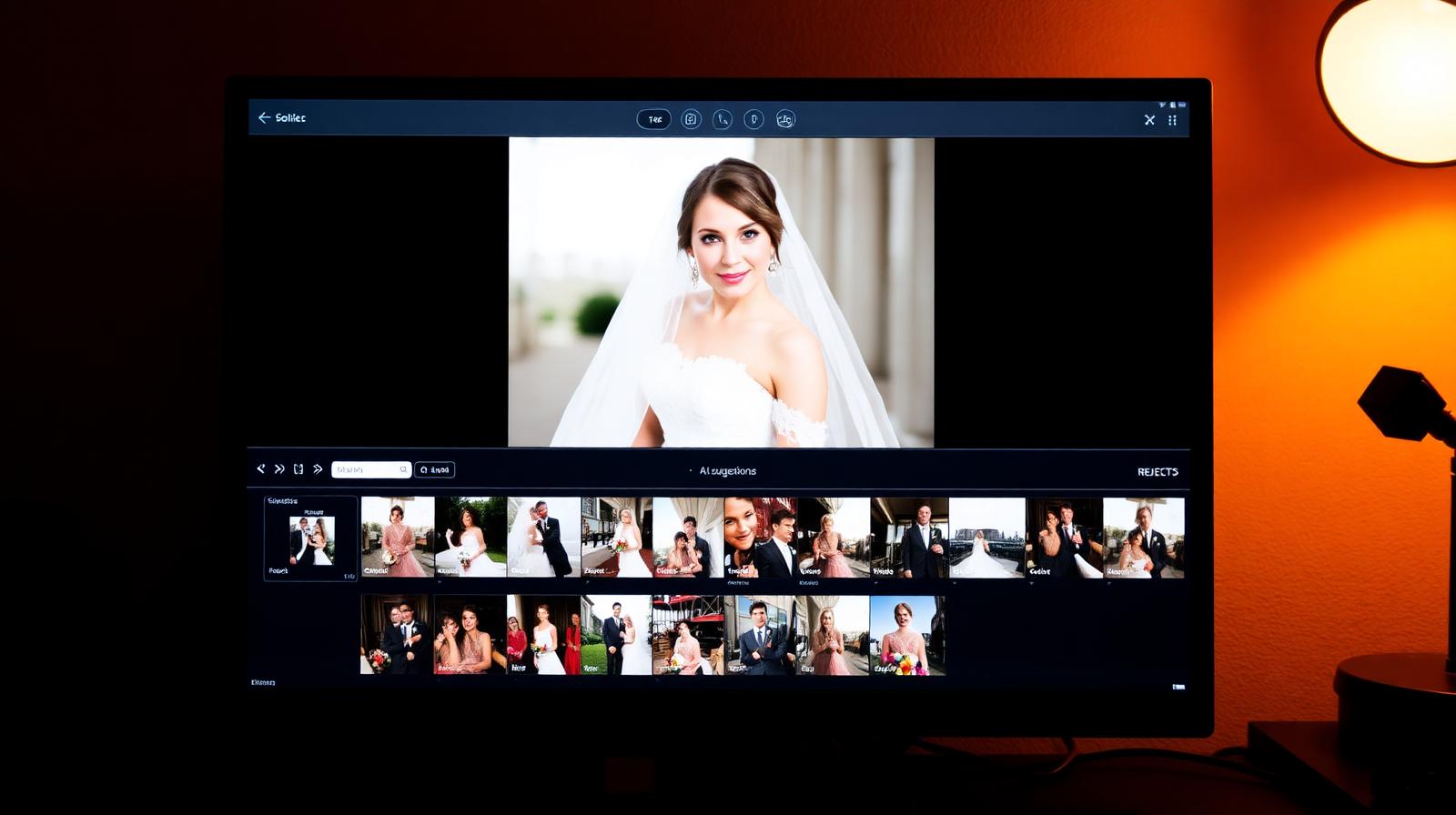
Aftershoot culls 3,000 wedding files in under 20 minutes, picks the keepers, and now edits too. We tested Cull, Edit, and Workflow modules.
Affiliate disclosure: Lenseland may earn a commission on purchases made through links in this article. Learn more.
What it is
Aftershoot is a desktop AI culling and editing app aimed at wedding and event photographers. The culling engine analyzes facial expressions, eyes-closed, focus, duplicates, and exposure to recommend keepers from a shoot of thousands. The editing module (AftershootEdit) learns from a photographer's past Lightroom edits to apply personalized RAW adjustments in bulk, similar to Imagen.
Who it's for
High-volume shooters delivering 500–2,000+ images per job who want culling and editing handled locally rather than via cloud upload, and studios with sensitive client work that cannot leave the local machine. It is overkill for portrait or product shooters delivering small final selects.
Key specs and how they compare
According to Aftershoot's documentation, the app runs entirely on the local machine — no cloud round-trip — with GPU acceleration on Apple Silicon and modern NVIDIA cards. Culling speed is quoted at roughly 1,500–3,000 images per hour depending on hardware. It integrates with Lightroom Classic via XMP sidecars and supports Capture One. Competing tools: Imagen AI (cloud-based, per-image pricing, faster but requires upload), Narrative Select (culling only, strong UX), Lightroom AI Cull (built-in basic culling, no editing).
What reviewers and buyers are saying
Published reviews from wedding photography publications and workflow YouTube channels converge on three themes: the local-processing model is the main differentiator from Imagen and matters for photographers with slow upload speeds or NDA work, the AI Profiles for editing become reliably good after ~5,000 reference images, and the culling accuracy on closed eyes and duplicates is genuinely production-ready. Buyers report the most common complaint is GPU and RAM requirements — older machines struggle on large weddings.
Value for the price
Aftershoot is subscription-only, with plans typically running ~$10/month (cull-only) to ~$30/month (cull + edit) for unlimited images. Compared with Imagen's per-image pricing, Aftershoot wins clearly above roughly 15,000 images per month and loses below it. Industry consensus indicates the choice between Aftershoot and Imagen comes down to upload speed, data sensitivity, and monthly volume rather than output quality.
What we love
- ✓Fastest AI culling on the market
- ✓Excellent duplicate and closed-eye detection
- ✓Reasonable annual pricing
Where it falls short
- –Editing AI lags Imagen
- –Heavy on RAM with huge catalogs
FAQ
Aftershoot vs Imagen — which should I pick?
Aftershoot has the better culling engine; Imagen has the better personal-style editor. Many shooters use Aftershoot for cull and Imagen or Lightroom for edit.
Is there a free trial?
Yes — 1,000 free images to test culling, no card required.
Like this review?
Get the next one in your inbox.
Keep reading

DJI Osmo Pocket 4P Review: The Dual-Lens Pocket Gimbal That Skips the US
The Osmo Pocket 4P is worth buying in 2026 if you shoot handheld video and live outside the United States. It is the first Osmo Pocket with two lenses — a 1-inch wide camera and a 60mm f/1.8 telephoto — on a three-axis gimbal in a 230g body, and it runs around $700 (£529 / €599). US buyers face a real problem: DJI does not sell it there, so American listings are imports at inflated prices.
DxO PureRAW & PhotoLab review: the RAW quality benchmark
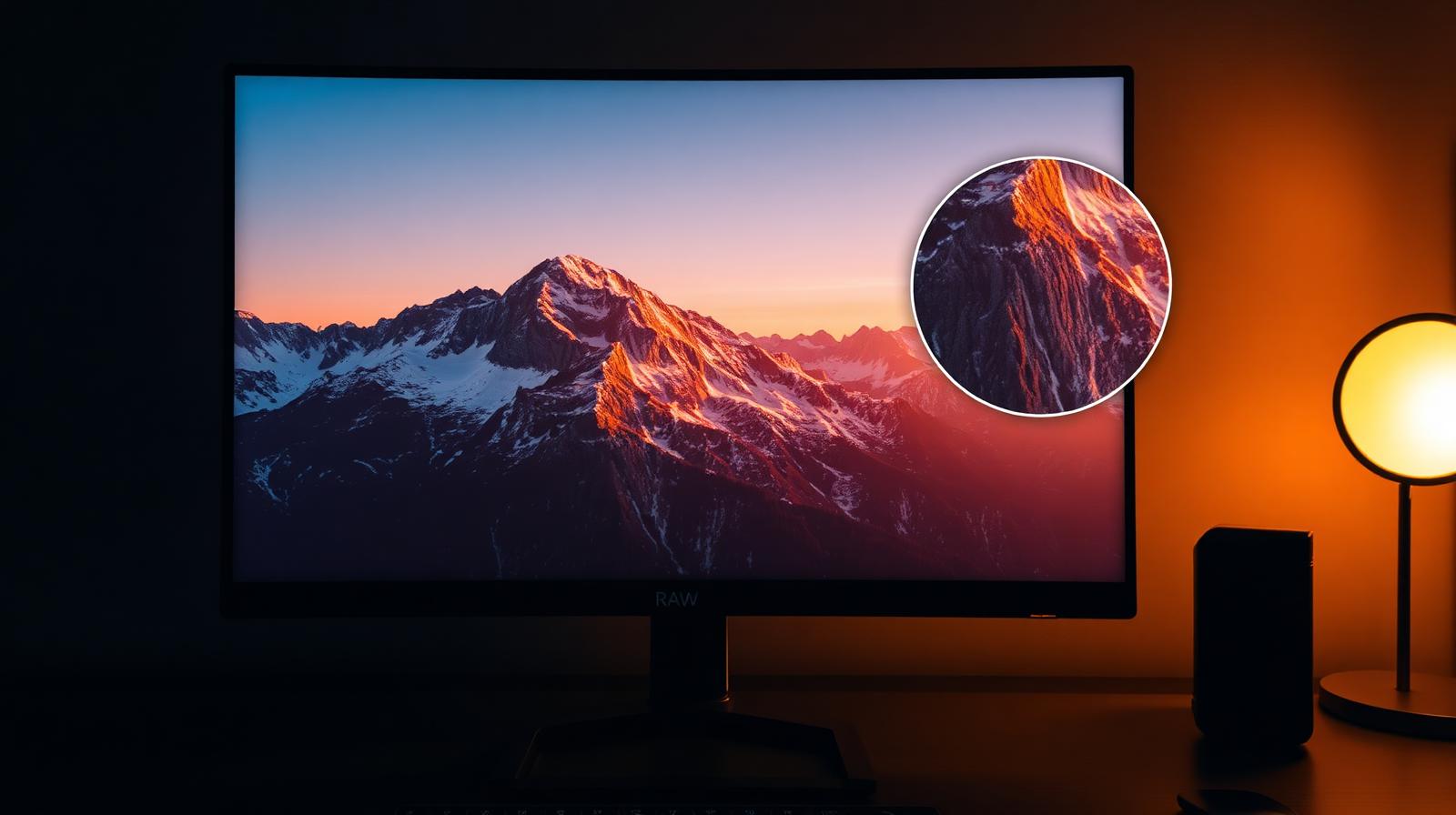
DxO's DeepPRIME XD noise reduction and lens corrections set the bar for RAW image quality. We tested PureRAW as a pre-processor and PhotoLab as a full editor.
ON1 Photo RAW review: a true Lightroom alternative with a lifetime license
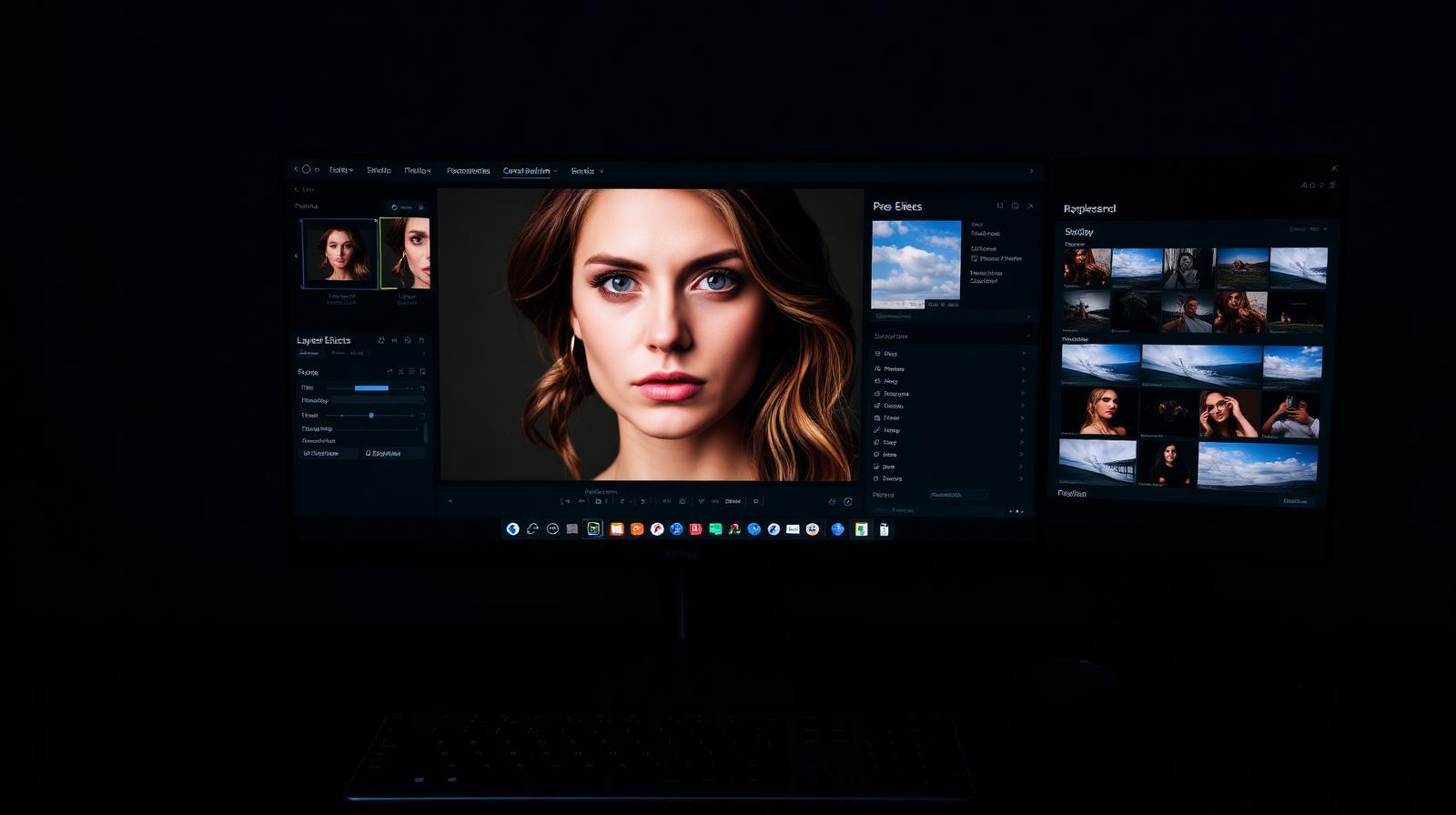
ON1 Photo RAW bundles a RAW editor, catalog, AI masking, effects, and resize into one app — with a one-time purchase option Adobe will never offer.