Review
ColorCinch review: a browser photo editor that punches above its weight
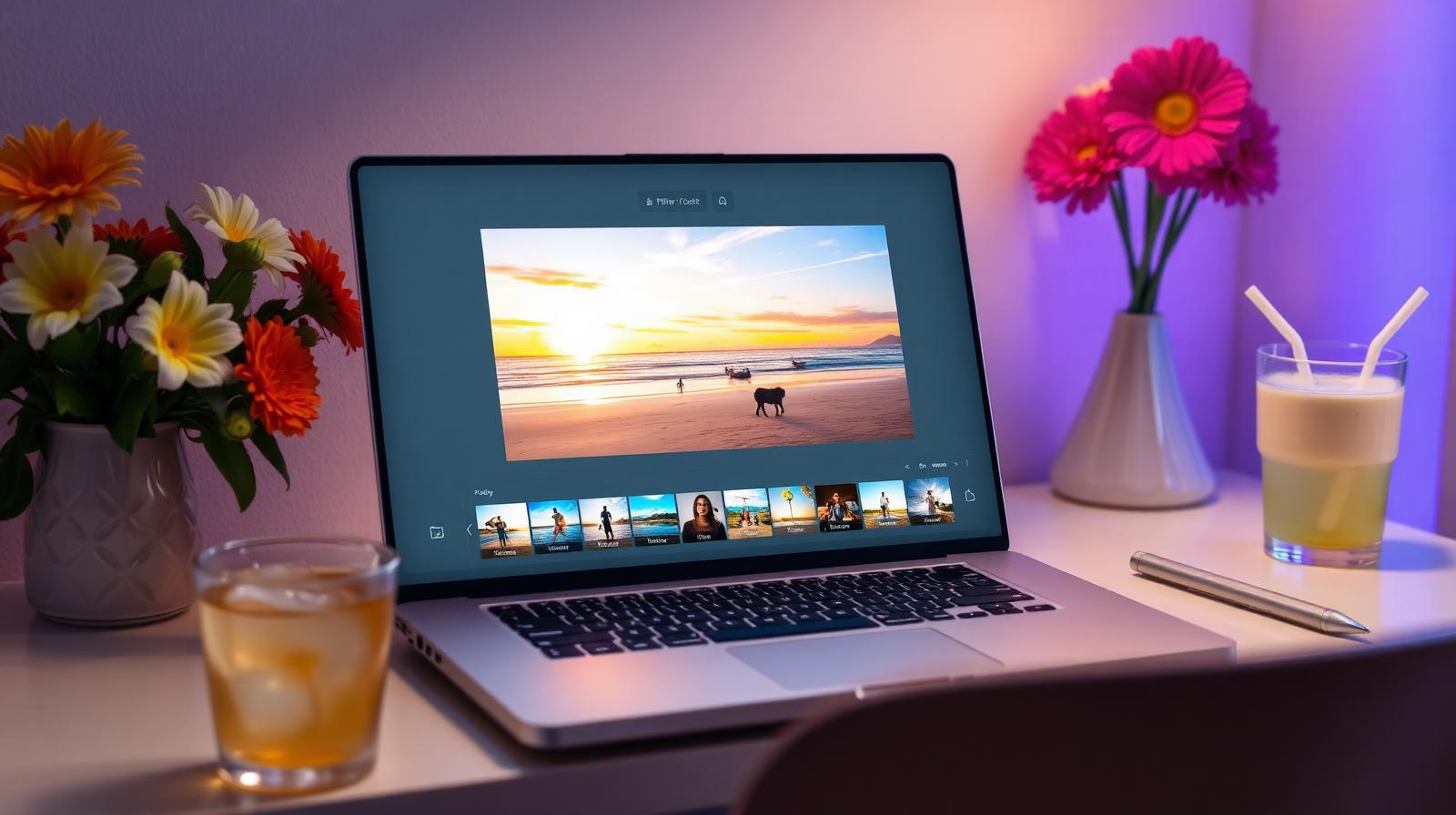
ColorCinch is a free-to-start online editor with surprisingly good AI cutouts, filters, and a non-destructive layer system. We tested it for casual and social work.
Affiliate disclosure: Lenseland may earn a commission on purchases made through links in this article. Learn more.
What it is
ColorCinch is a browser-based photo editor and graphic-design tool that combines a Photoshop-lite editing surface, AI effects (cartoonizer, background remover, AI upscaler), and a large library of overlays, frames, and templates. It runs entirely in the browser — no install required — and supports JPEG, PNG, and a limited set of RAW formats.
Who it's for
Bloggers, small-business owners, social media managers, and casual photographers who need quick edits, social-format crops, and stylized effects without learning Photoshop. It is not aimed at professional photographers managing RAW catalogs.
Key specs and how they compare
According to ColorCinch's documentation, the editor runs in any modern browser on macOS, Windows, ChromeOS, and tablets, supports JPEG/PNG/limited RAW, and offers AI-driven cartoonizer, background remover, and effects. Free tier limits monthly AI uses; Pro removes limits and unlocks the full effect library. Competing browser editors: Photopea (free, full Photoshop clone, no AI), Pixlr (similar AI features, ad-supported free tier), Canva (design-first, lighter on photo tools).
What reviewers and buyers are saying
Published reviews from small-business and creator publications converge on three themes: the cartoonizer and effect library are the standout features, the UI is friendly for non-photographers, and RAW support is too limited to recommend for camera shooters. Buyers report the browser-based model is the main appeal — nothing to install, works on any device.
Value for the price
ColorCinch Pro runs roughly $5–8/month billed annually. Compared with Adobe Express ($9.99/month) and Canva Pro ($14.99/month), it is the cheapest of the three for stylized photo work, while Canva wins for multi-format design. Industry consensus indicates ColorCinch is the right pick when fast, fun effects matter more than RAW control.
What we love
- ✓Runs in the browser
- ✓Solid free tier
- ✓Fast AI cutouts
Where it falls short
- –No RAW support
- –Effects locked behind Pro
FAQ
Is ColorCinch really free?
The free tier covers basic edits and JPEG export. Pro is $5.99/month billed annually and unlocks all effects, HD export, and the full asset library.
Can ColorCinch open RAW files?
No. It is a JPEG/PNG editor only.
Like this review?
Get the next one in your inbox.
Keep reading

DJI Osmo Pocket 4P Review: The Dual-Lens Pocket Gimbal That Skips the US
The Osmo Pocket 4P is worth buying in 2026 if you shoot handheld video and live outside the United States. It is the first Osmo Pocket with two lenses — a 1-inch wide camera and a 60mm f/1.8 telephoto — on a three-axis gimbal in a 230g body, and it runs around $700 (£529 / €599). US buyers face a real problem: DJI does not sell it there, so American listings are imports at inflated prices.
DxO PureRAW & PhotoLab review: the RAW quality benchmark
DxO's DeepPRIME XD noise reduction and lens corrections set the bar for RAW image quality. We tested PureRAW as a pre-processor and PhotoLab as a full editor.
ON1 Photo RAW review: a true Lightroom alternative with a lifetime license
ON1 Photo RAW bundles a RAW editor, catalog, AI masking, effects, and resize into one app — with a one-time purchase option Adobe will never offer.