Review
Topaz Photo AI Review: One App for Denoise, Sharpen, and Upscale
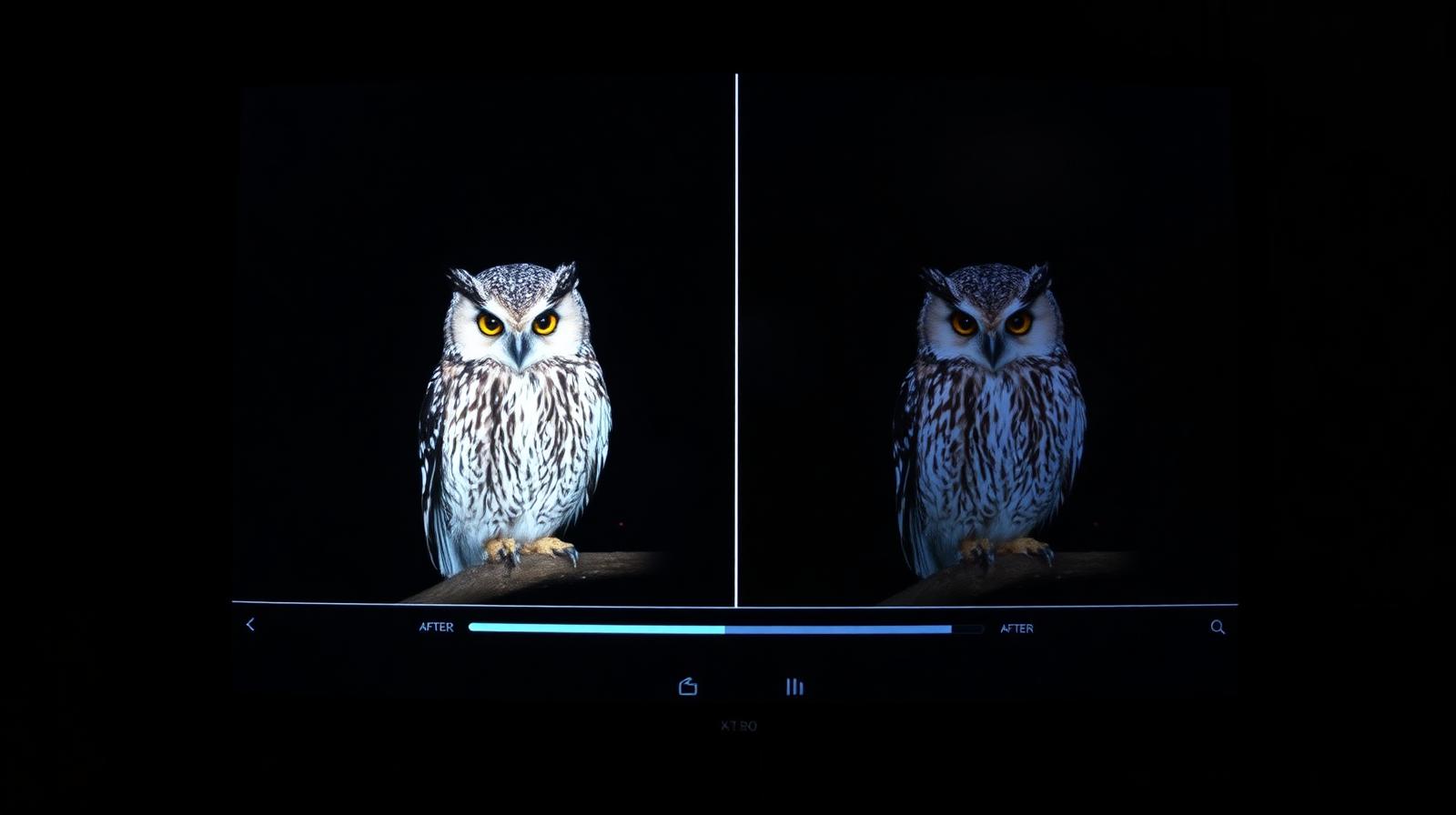
Topaz Photo AI bundles three of the best AI image tools into one $199 perpetual app. It's slower than Lightroom's built-in Denoise, but the recovery from genuinely broken files is still unmatched.
Affiliate disclosure: Lenseland may earn a commission on purchases made through links in this article. Learn more.
What it is
Topaz Photo AI is a standalone desktop app (also a plug-in for Lightroom, Photoshop, and Capture One) that bundles three of Topaz Labs' previously separate tools — DeNoise AI, Sharpen AI, and Gigapixel AI — into one neural-network pipeline. The app auto-detects subject, faces, and noise level, then applies denoise, sharpening, and optional upscaling in a single pass.
Who it's for
Photographers shooting high-ISO concerts, weddings, wildlife, and astrophotography where noise is the limiting factor; anyone rescuing older files or low-resolution scans; and print-makers who need to upscale to 24×36 or larger. It is overkill for clean, base-ISO studio work that already prints well at native resolution.
Key specs and how they compare
According to Topaz's documentation, Photo AI runs on Apple Silicon, modern Intel/AMD CPUs, and discrete NVIDIA/AMD GPUs, with GPU acceleration cutting processing time by roughly 4–10× over CPU-only on published benchmarks. It handles RAW, TIFF, JPEG, PNG, and DNG, with upscaling up to 6×. Competing options include DxO PureRAW (RAW-only, generally regarded as the cleanest demosaic), ON1 NoNoise AI (cheaper, bundled with ON1 Photo RAW), and Adobe's built-in Denoise in Lightroom (free with a CC subscription, but slower and less aggressive). Topaz's edge is doing all three jobs — denoise, sharpen, upscale — in one model.
What reviewers and buyers are saying
Published reviews from photography publications and reputable YouTube test channels converge on a clear pattern: for noise reduction on ISO 6400+ files, Topaz Photo AI and DxO PureRAW trade the top spot depending on the camera, with Topaz typically winning on subject preservation and DxO winning on absolute noise floor. For sharpening soft or motion-blurred files, industry consensus indicates Topaz remains the strongest single-app option. Buyers report the auto-settings work for ~70–80% of images, but very high upscales (4× and beyond) can introduce a slightly "AI-rendered" texture in fine detail.
Value for the price
Topaz Photo AI is a one-time purchase around $199 with one year of updates, after which the app keeps working but new model releases require an upgrade fee (~$99). Compared with paying for DeNoise, Sharpen, and Gigapixel separately at launch prices, the bundle is roughly half. For a single subscription year, Adobe's bundled Denoise is cheaper; for permanent ownership and the strongest combined toolset, Topaz remains the value pick.
What we love
- ✓Best-in-class rescue tool for broken files
- ✓Three AI tools in one workflow
- ✓Perpetual license with optional updates
- ✓Plugin for Lightroom and Photoshop
Where it falls short
- –Slower than Lightroom's built-in Denoise
- –UI can feel cluttered for first-time users
- –Annual update fee adds up over time
FAQ
Topaz Photo AI vs DxO PureRAW?
DxO has the slight edge on pure RAW denoise quality. Topaz wins on the all-in-one workflow (sharpen + upscale + denoise) and faster GPU performance on Apple Silicon.
Is it worth it if I already have Lightroom?
Yes for rescue work, archive scans, and large prints. Skip it if you only shoot clean, well-exposed files in good light.
Does it work as a plugin?
Yes — there are official plugins for Lightroom Classic, Photoshop, and Capture One Pro.
Like this review?
Get the next one in your inbox.
Keep reading

DJI Osmo Pocket 4P Review: The Dual-Lens Pocket Gimbal That Skips the US
The Osmo Pocket 4P is worth buying in 2026 if you shoot handheld video and live outside the United States. It is the first Osmo Pocket with two lenses — a 1-inch wide camera and a 60mm f/1.8 telephoto — on a three-axis gimbal in a 230g body, and it runs around $700 (£529 / €599). US buyers face a real problem: DJI does not sell it there, so American listings are imports at inflated prices.
DxO PureRAW & PhotoLab review: the RAW quality benchmark
DxO's DeepPRIME XD noise reduction and lens corrections set the bar for RAW image quality. We tested PureRAW as a pre-processor and PhotoLab as a full editor.
ON1 Photo RAW review: a true Lightroom alternative with a lifetime license
ON1 Photo RAW bundles a RAW editor, catalog, AI masking, effects, and resize into one app — with a one-time purchase option Adobe will never offer.