Review
CyberLink PhotoDirector & Director Suite review: AI-first creative editor
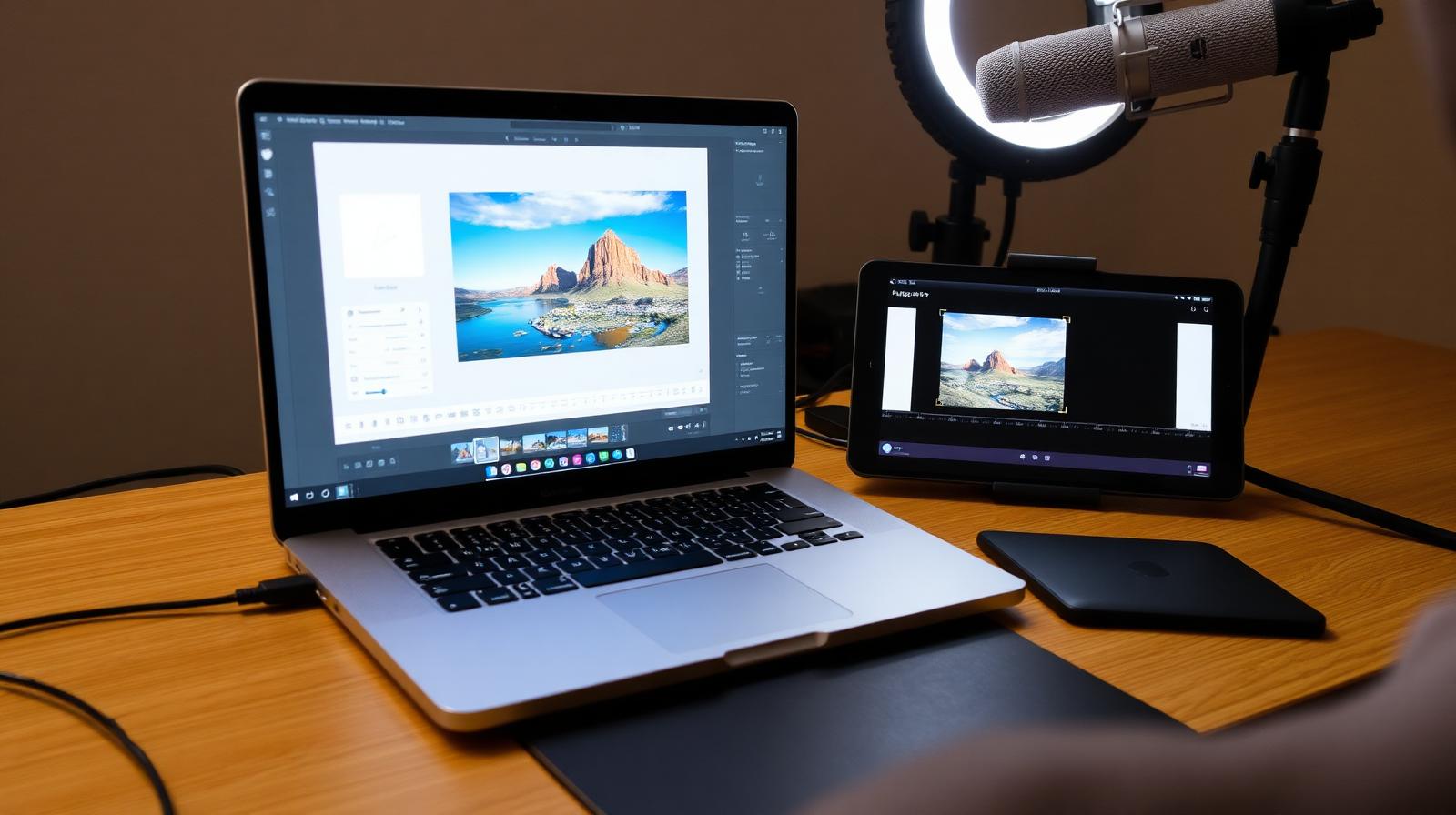
PhotoDirector pairs RAW editing with generative AI, animated effects, and video tools. The Director Suite bundles it with PowerDirector, AudioDirector, and ColorDirector.
Affiliate disclosure: Lenseland may earn a commission on purchases made through links in this article. Learn more.
What it is
CyberLink PhotoDirector and Director Suite are Windows/macOS creative tools sold both as perpetual licenses and as a "365" subscription. PhotoDirector covers RAW editing, layered design, and AI effects; Director Suite bundles PhotoDirector with PowerDirector (video), AudioDirector, and ColorDirector for creators producing both photo and video.
Who it's for
Windows-first creators who want one vendor for photo and video, hobbyists who like one-click AI looks (sky replacement, style transfer, object removal), and budget-conscious users who prefer perpetual licenses to Adobe's subscription. It is not aimed at studio photographers with established Lightroom workflows.
Key specs and how they compare
According to CyberLink's documentation, PhotoDirector 365 includes AI sky replacement, AI object removal, AI style transfer, layered editing, RAW support for major cameras, and 50 GB cloud storage. Director Suite 365 adds the full PowerDirector video editor with multi-track timeline and motion tracking. Competing bundles: Adobe Creative Cloud All Apps ($59.99/month, deeper but more expensive), Affinity V2 Universal License (~$165 perpetual for Photo + Designer + Publisher, no video), DaVinci Resolve Studio + Affinity Photo (free + ~$70 perpetual, steeper learning curve).
What reviewers and buyers are saying
Published reviews from creator publications and YouTube workflow channels converge on three themes: the AI effects are aggressive and beginner-friendly rather than subtle, PowerDirector remains a credible consumer video editor in the Premiere Elements tier, and the bundle pricing significantly undercuts Adobe for users who want both photo and video. Common buyer complaints are heavy upsell prompts inside the app and a less mature plug-in ecosystem.
Value for the price
PhotoDirector 365 runs around $54/year; Director Suite 365 around $130/year. Perpetual versions cost roughly $100 and $130 respectively but lack ongoing AI model updates. For Windows users wanting an Adobe alternative for both photo and video, industry consensus indicates Director Suite is the best-priced complete option currently available.
What we love
- ✓Fun generative AI tools
- ✓Animated photo effects for social
- ✓Director Suite is great value for video creators
Where it falls short
- –Not a pro RAW workflow
- –Mac version lags Windows
FAQ
PhotoDirector vs Director Suite?
PhotoDirector if you only edit stills. Director Suite if you also edit video, audio, and color.
Is it good for professionals?
Not as a primary tool. It's aimed at creators and hobbyists, not commercial photo workflows.
Like this review?
Get the next one in your inbox.
Keep reading

DJI Osmo Pocket 4P Review: The Dual-Lens Pocket Gimbal That Skips the US
The Osmo Pocket 4P is worth buying in 2026 if you shoot handheld video and live outside the United States. It is the first Osmo Pocket with two lenses — a 1-inch wide camera and a 60mm f/1.8 telephoto — on a three-axis gimbal in a 230g body, and it runs around $700 (£529 / €599). US buyers face a real problem: DJI does not sell it there, so American listings are imports at inflated prices.
DxO PureRAW & PhotoLab review: the RAW quality benchmark
DxO's DeepPRIME XD noise reduction and lens corrections set the bar for RAW image quality. We tested PureRAW as a pre-processor and PhotoLab as a full editor.
ON1 Photo RAW review: a true Lightroom alternative with a lifetime license
ON1 Photo RAW bundles a RAW editor, catalog, AI masking, effects, and resize into one app — with a one-time purchase option Adobe will never offer.