Review
Capture One Pro Review: The Pro Studio Alternative to Lightroom
Capture One still has the best tethered shooting, the cleanest color science, and a perpetual license option. The catalog is fiddlier than Lightroom's and the AI tools lag — but for studio work, nothing else comes close.
Affiliate disclosure: Lenseland may earn a commission on purchases made through links in this article. Learn more.
What it is
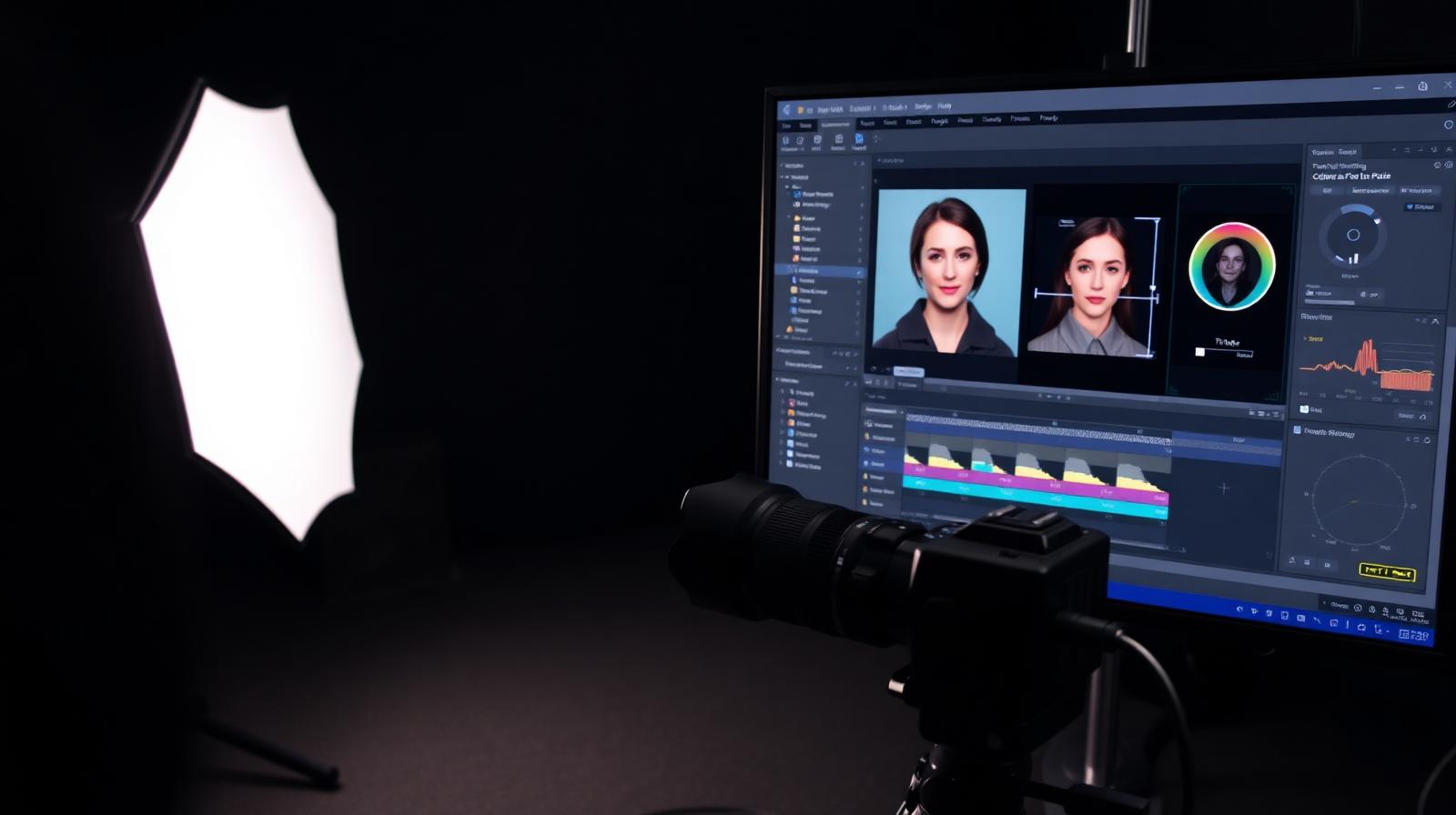
Capture One Pro is the professional RAW editor and catalog tool developed by Phase One, originally built around medium-format tethering for studio shooters. It offers layer-based local adjustments, advanced color editing, industry-leading tethered capture, and customizable workspaces. Sessions and Catalogs cover both job-based and library-based workflows.
Who it's for
Studio and commercial photographers who tether to a computer during shoots, fashion and product shooters who need precise skin-tone and color control, and Fujifilm/Sony users who want the camera's native film simulations rendered accurately. It is less ideal for hobbyists, mobile-first editors, or anyone whose workflow depends on Lightroom plug-ins.
Key specs and how they compare
According to Phase One's documentation, Capture One Pro supports over 600 cameras with proprietary color profiles per body, tethering for Canon/Nikon/Sony/Fujifilm/Phase One with sub-second live preview, layer-based masking with AI subject/sky detection, and a redesigned Magic Brush. Competing tools: Lightroom Classic (larger plug-in ecosystem, weaker tethering), DxO PhotoLab (superior RAW demosaic, no catalog), ON1 Photo RAW (cheaper perpetual, weaker color tools).
What reviewers and buyers are saying
Published reviews from commercial photography publications converge on three themes: tethered capture remains the gold standard with no real competitor, the Fujifilm film-simulation rendering is more accurate than Lightroom's, and the layered color editing produces cleaner skin tones than any competing catalog tool. Common criticisms are the steeper learning curve compared to Lightroom and a noticeably smaller plug-in ecosystem.
Value for the price
Capture One Pro costs $24/month subscription or $299 perpetual (per major version). Industry consensus indicates the value depends entirely on workflow: tethered studio shooters get returns no other tool can match, while general enthusiasts overpay vs Lightroom's $9.99/month Photography Plan. Fujifilm-only shooters often find the color rendering alone worth switching.
What we love
- ✓Best-in-class tethered shooting
- ✓Superior color science out-of-the-box
- ✓Perpetual license available
- ✓Layer-based local adjustments
Where it falls short
- –AI masking lags behind Lightroom
- –Smaller plugin and preset ecosystem
- –Catalog and import workflow has more friction
FAQ
Capture One or Lightroom for Fujifilm?
Capture One renders Fujifilm film simulations more faithfully and gives you finer control over the underlying X-Trans demosaic. Most Fuji shooters prefer it.
Is the perpetual license still worth it?
Yes if you skip every other upgrade. Over 6 years, $300 + one $200 upgrade beats $24/mo by a wide margin.
Does Capture One have AI Denoise?
Yes, added in 16.3 — it works well but is roughly one generation behind Adobe and DxO PureRAW.
Like this review?
Get the next one in your inbox.
Keep reading

DJI Osmo Pocket 4P Review: The Dual-Lens Pocket Gimbal That Skips the US
The Osmo Pocket 4P is worth buying in 2026 if you shoot handheld video and live outside the United States. It is the first Osmo Pocket with two lenses — a 1-inch wide camera and a 60mm f/1.8 telephoto — on a three-axis gimbal in a 230g body, and it runs around $700 (£529 / €599). US buyers face a real problem: DJI does not sell it there, so American listings are imports at inflated prices.
DxO PureRAW & PhotoLab review: the RAW quality benchmark
DxO's DeepPRIME XD noise reduction and lens corrections set the bar for RAW image quality. We tested PureRAW as a pre-processor and PhotoLab as a full editor.
ON1 Photo RAW review: a true Lightroom alternative with a lifetime license
ON1 Photo RAW bundles a RAW editor, catalog, AI masking, effects, and resize into one app — with a one-time purchase option Adobe will never offer.