Review
Adobe Photoshop 2025 Review: Generative AI Finally Earns Its Place
Generative Fill went from gimmick to daily tool in this release. Photoshop is still the heaviest, most expensive option — and still the only one that does everything.
Affiliate disclosure: Lenseland may earn a commission on purchases made through links in this article. Learn more.
What it is
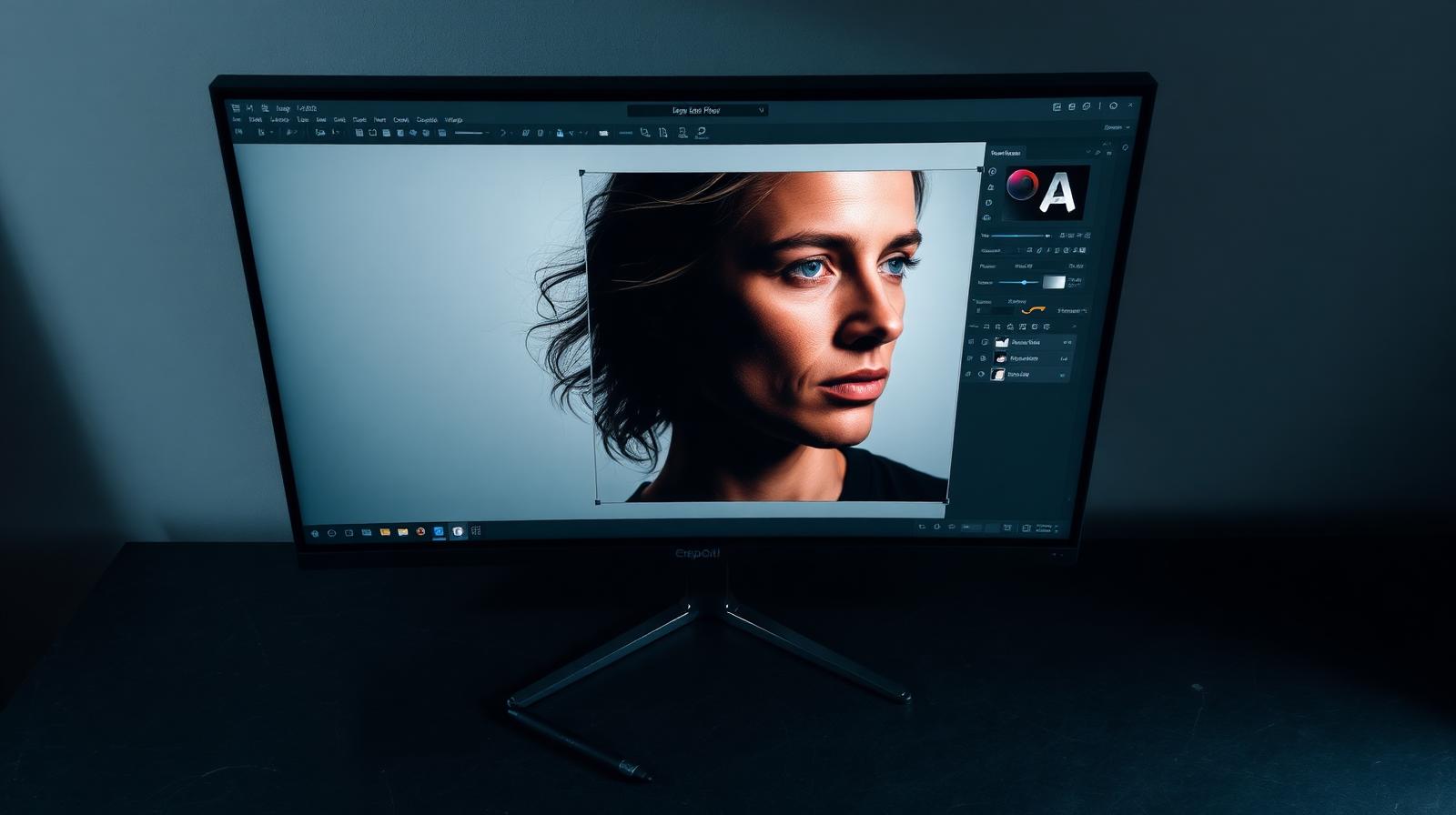
Adobe Photoshop 2025 is the latest annual release of the layer-based pixel editor that has defined image manipulation for three decades. The 2025 cycle's headline additions are Generative Fill and Generative Expand (powered by Adobe's Firefly model), the redesigned Remove tool, Reference Image generation, and a substantially faster Object Selection tool.
Who it's for
Retouchers, commercial and product photographers, compositors, designers, and anyone whose work requires masking, frequency separation, or layered pixel manipulation. It is overkill for photographers who only need RAW adjustments — that's Lightroom's job.
Key specs and how they compare
According to Adobe's release notes, Photoshop 2025 runs on macOS 12+ and Windows 10/11, with full Apple Silicon optimization and GPU acceleration on modern NVIDIA/AMD cards. Generative Fill produces three variations per prompt at up to 1024×1024 native resolution, then upscales to fit the selection. Competitors: Affinity Photo 2 (one-time ~$70, no generative AI, strong manual toolset), GIMP (free, no AI, dated UI), Pixelmator Pro (Mac-only, ~$50, lighter feature set), and Photopea (free browser-based Photoshop clone with no AI). Industry consensus indicates none of these match Photoshop's combination of generative tools, plug-in ecosystem, and color management.
What reviewers and buyers are saying
Published reviews from photography and design publications converge on the same picture: Generative Fill has finally crossed the threshold from "fun demo" to "I use it daily" — particularly for sky replacements, distraction removal, and extending backgrounds for crops. The new Remove tool is widely reported as faster and cleaner than the old Content-Aware Fill for everyday cleanup. Buyers report the biggest remaining complaints are file size of generative outputs and Adobe's monthly generative credit limits.
Value for the price
Photoshop is sold only through subscription: $22.99/month standalone, or bundled with Lightroom in the $9.99/month Photography Plan — making the bundle the only sensible choice for almost everyone. Buyers who reject subscriptions on principle will find Affinity Photo 2 a strong perpetual-license alternative for static retouching, but it lacks generative AI. For anyone who uses generative tools more than monthly, the Photography Plan remains the best value in pixel editing.
What we love
- ✓Generative Fill is finally production-ready
- ✓Unmatched layer, mask, and compositing toolset
- ✓Best plugin ecosystem of any image editor
- ✓Smooth on Apple Silicon and modern GPUs
Where it falls short
- –$22.99/mo standalone is steep
- –Steep learning curve for new users
- –Generative features require cloud connection
FAQ
Do I need Photoshop if I have Lightroom?
Only if you do compositing, heavy retouching, or graphic design. Lightroom Classic alone handles 90% of pure photography work.
Is Affinity Photo a real replacement?
For one-off image work, yes — and the perpetual license is appealing. For AI features and ecosystem, Photoshop is still well ahead.
Can Photoshop run on iPad?
Yes, and the iPad version has reached near-feature parity for most photo tasks in 2025.
Like this review?
Get the next one in your inbox.
Keep reading

DJI Osmo Pocket 4P Review: The Dual-Lens Pocket Gimbal That Skips the US
The Osmo Pocket 4P is worth buying in 2026 if you shoot handheld video and live outside the United States. It is the first Osmo Pocket with two lenses — a 1-inch wide camera and a 60mm f/1.8 telephoto — on a three-axis gimbal in a 230g body, and it runs around $700 (£529 / €599). US buyers face a real problem: DJI does not sell it there, so American listings are imports at inflated prices.
DxO PureRAW & PhotoLab review: the RAW quality benchmark
DxO's DeepPRIME XD noise reduction and lens corrections set the bar for RAW image quality. We tested PureRAW as a pre-processor and PhotoLab as a full editor.
ON1 Photo RAW review: a true Lightroom alternative with a lifetime license
ON1 Photo RAW bundles a RAW editor, catalog, AI masking, effects, and resize into one app — with a one-time purchase option Adobe will never offer.