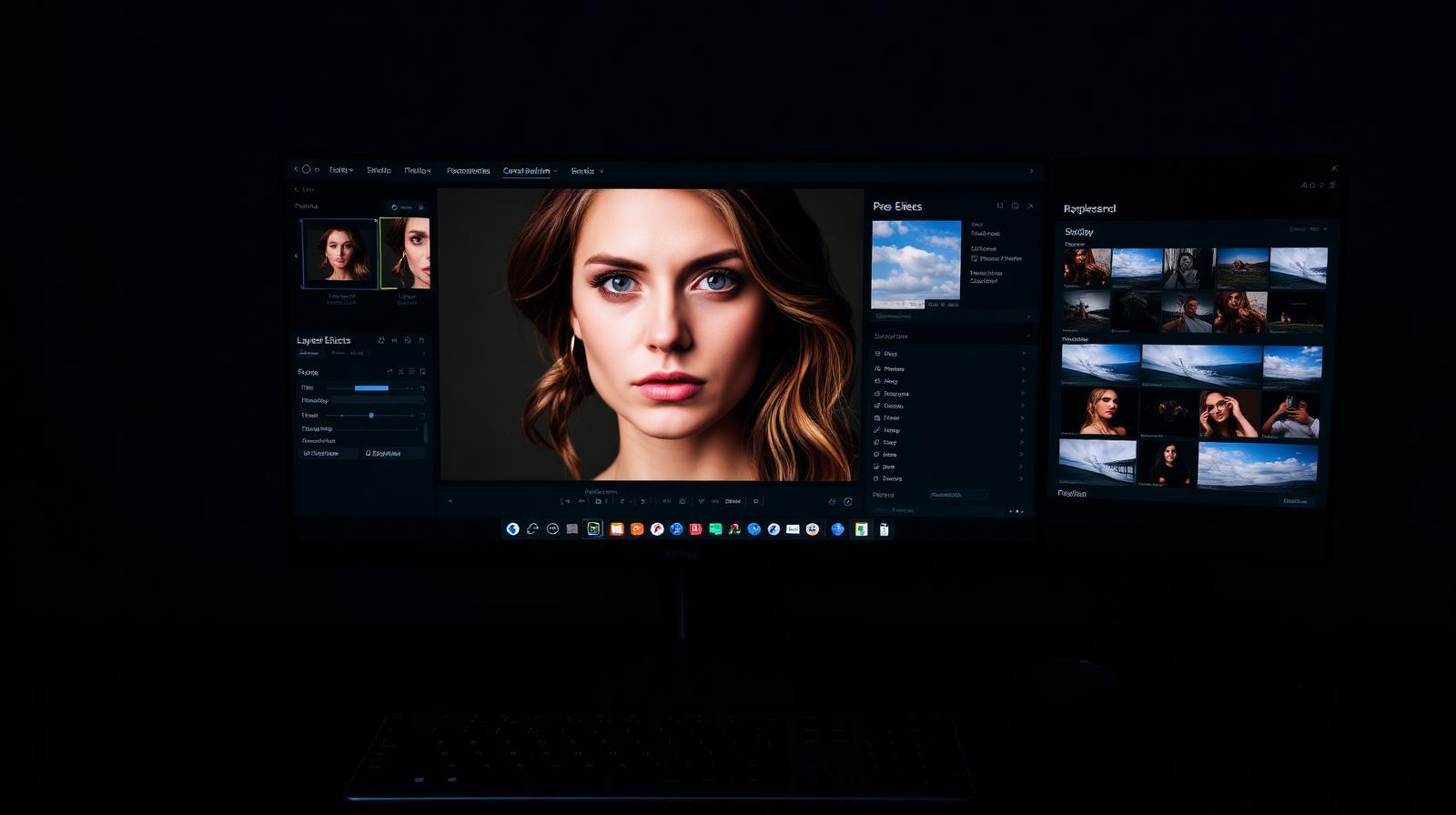
Review
ON1 Photo RAW review: a true Lightroom alternative with a lifetime license
ON1 Photo RAW bundles a RAW editor, catalog, AI masking, effects, and resize into one app — with a one-time purchase option Adobe will never offer.
4.2
Editing apps, RAW processors, AI tools, and workflow software for photographers.
ON1 Photo RAW bundles a RAW editor, catalog, AI masking, effects, and resize into one app — with a one-time purchase option Adobe will never offer.
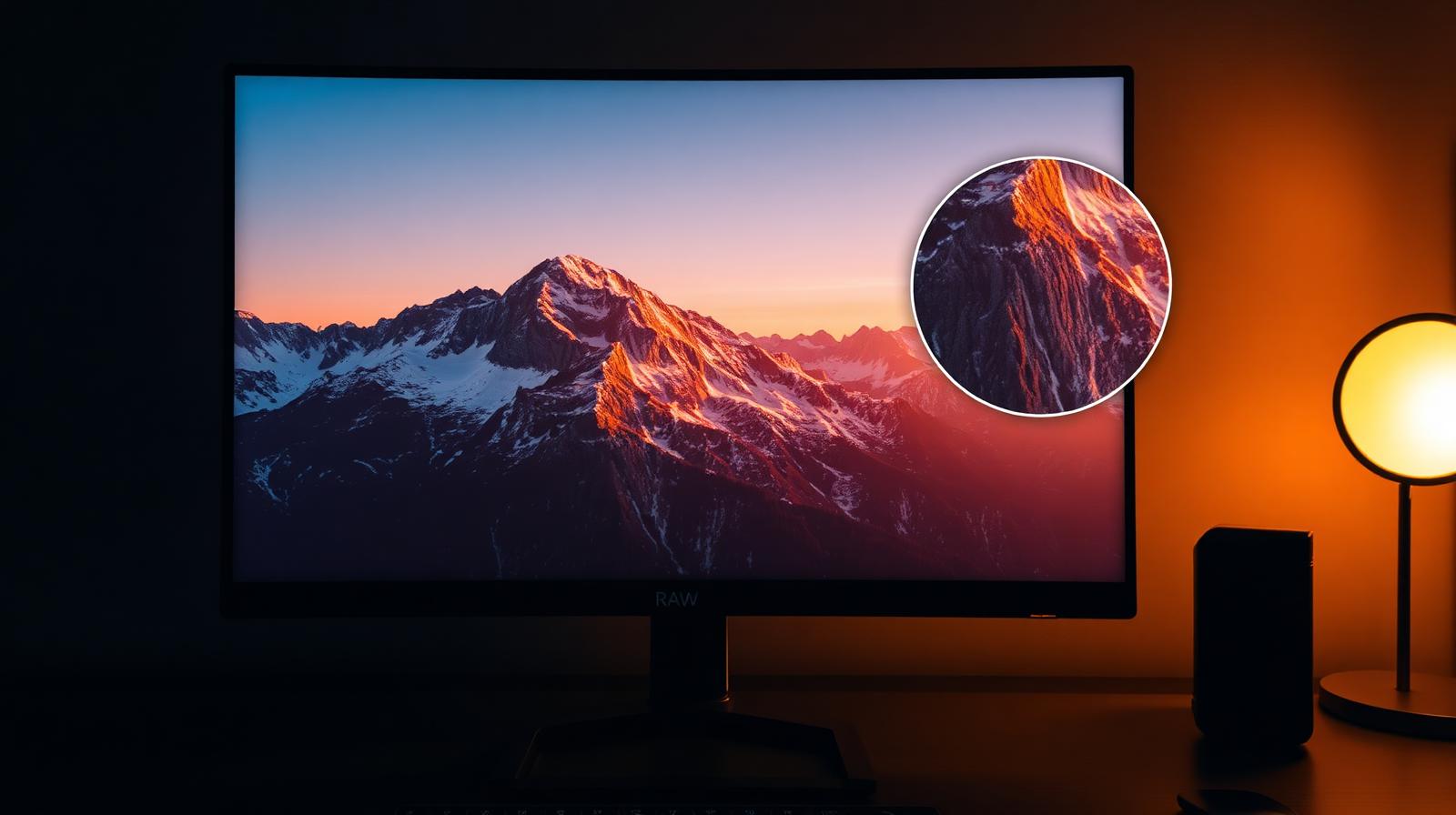
DxO's DeepPRIME XD noise reduction and lens corrections set the bar for RAW image quality. We tested PureRAW as a pre-processor and PhotoLab as a full editor.
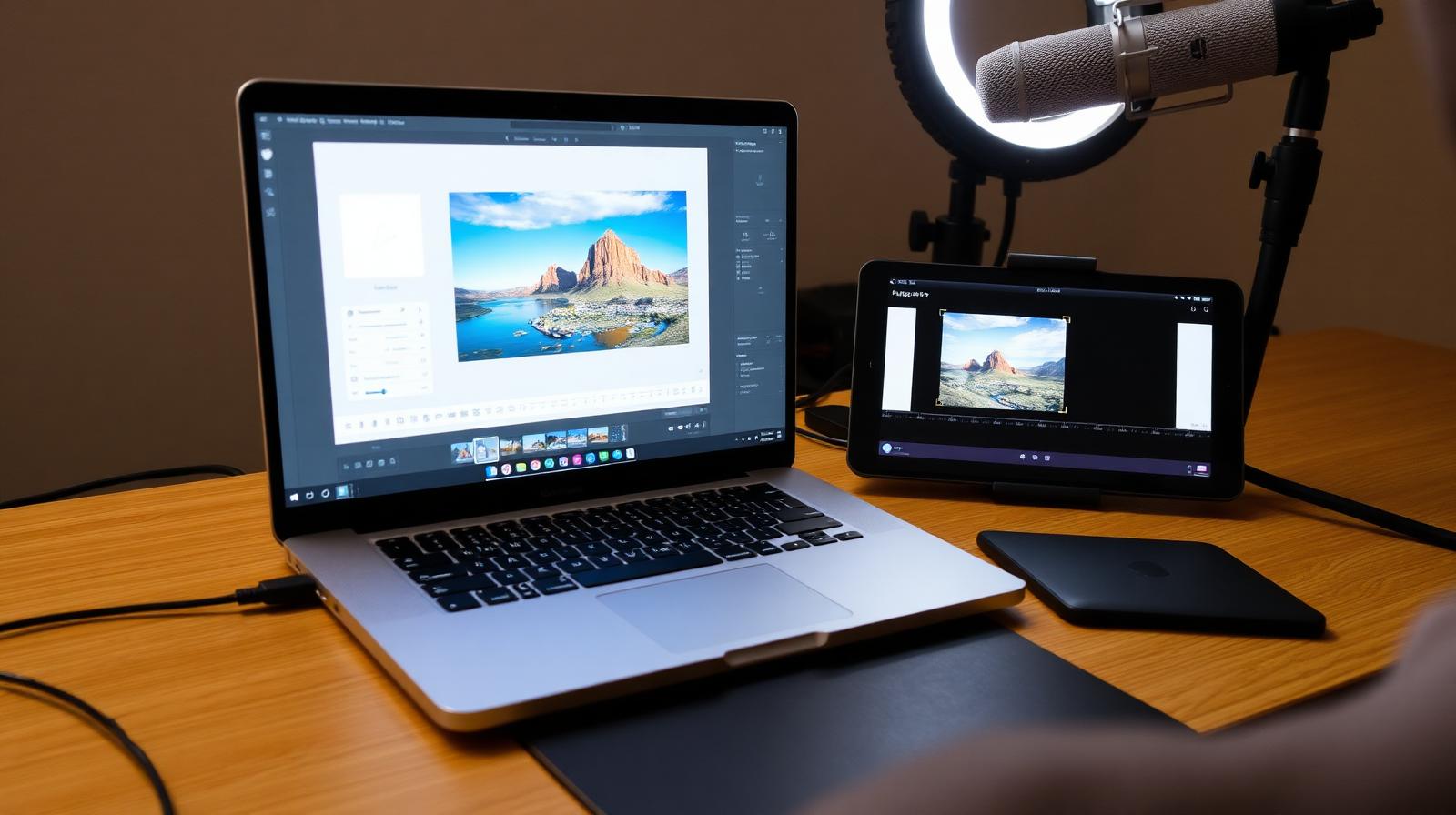
PhotoDirector pairs RAW editing with generative AI, animated effects, and video tools. The Director Suite bundles it with PowerDirector, AudioDirector, and ColorDirector.
Lightroom Classic is still the default — but Capture One, Affinity Photo, and DxO PhotoLab all have a real case in 2026. Here's how to pick.
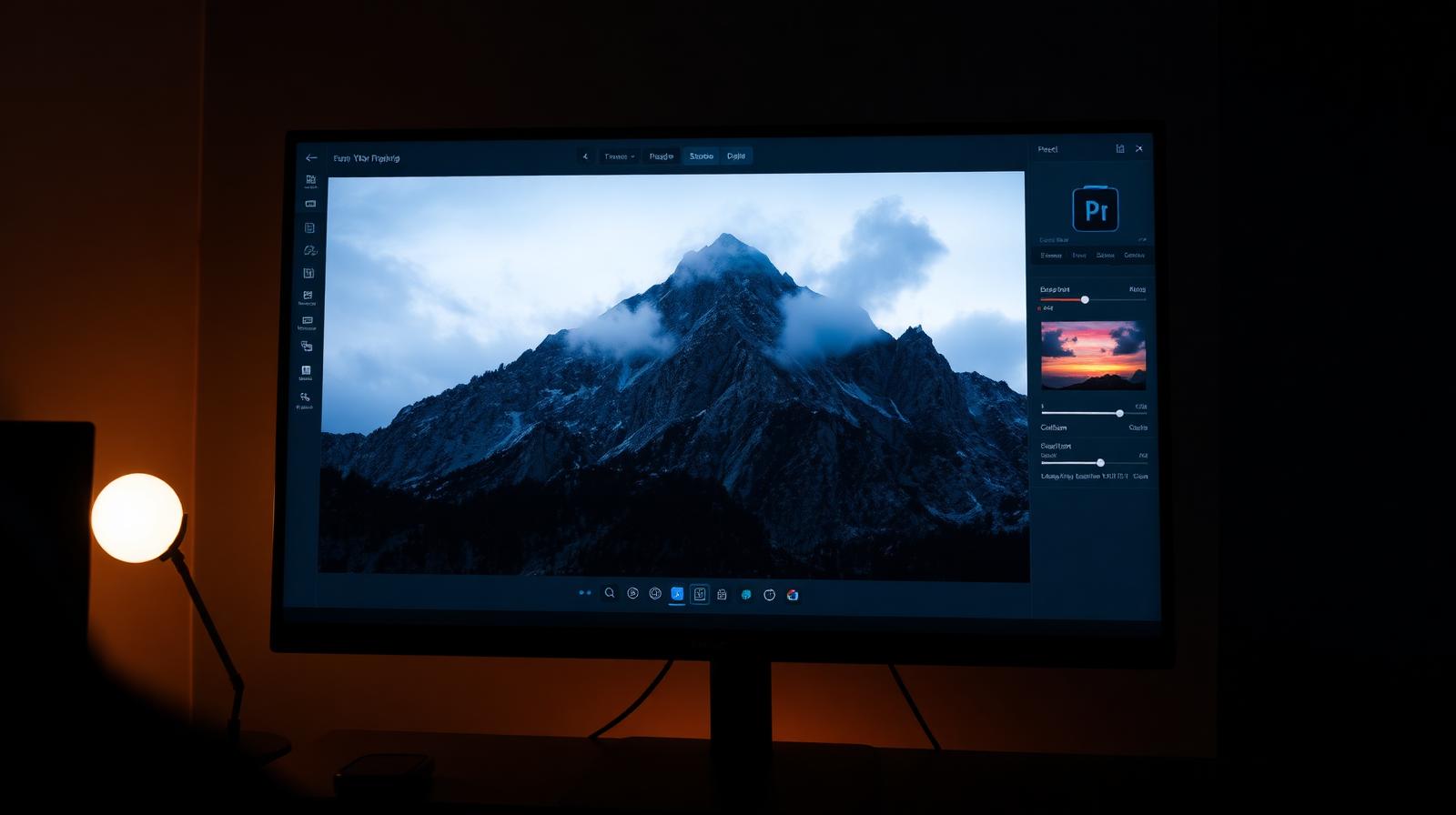
Luminar Neo from Skylum keeps doubling down on AI extensions — Generative Replace, Upscale, Noiseless, and a redesigned Mask AI. We tested it as a Lightroom alternative and as a plugin.
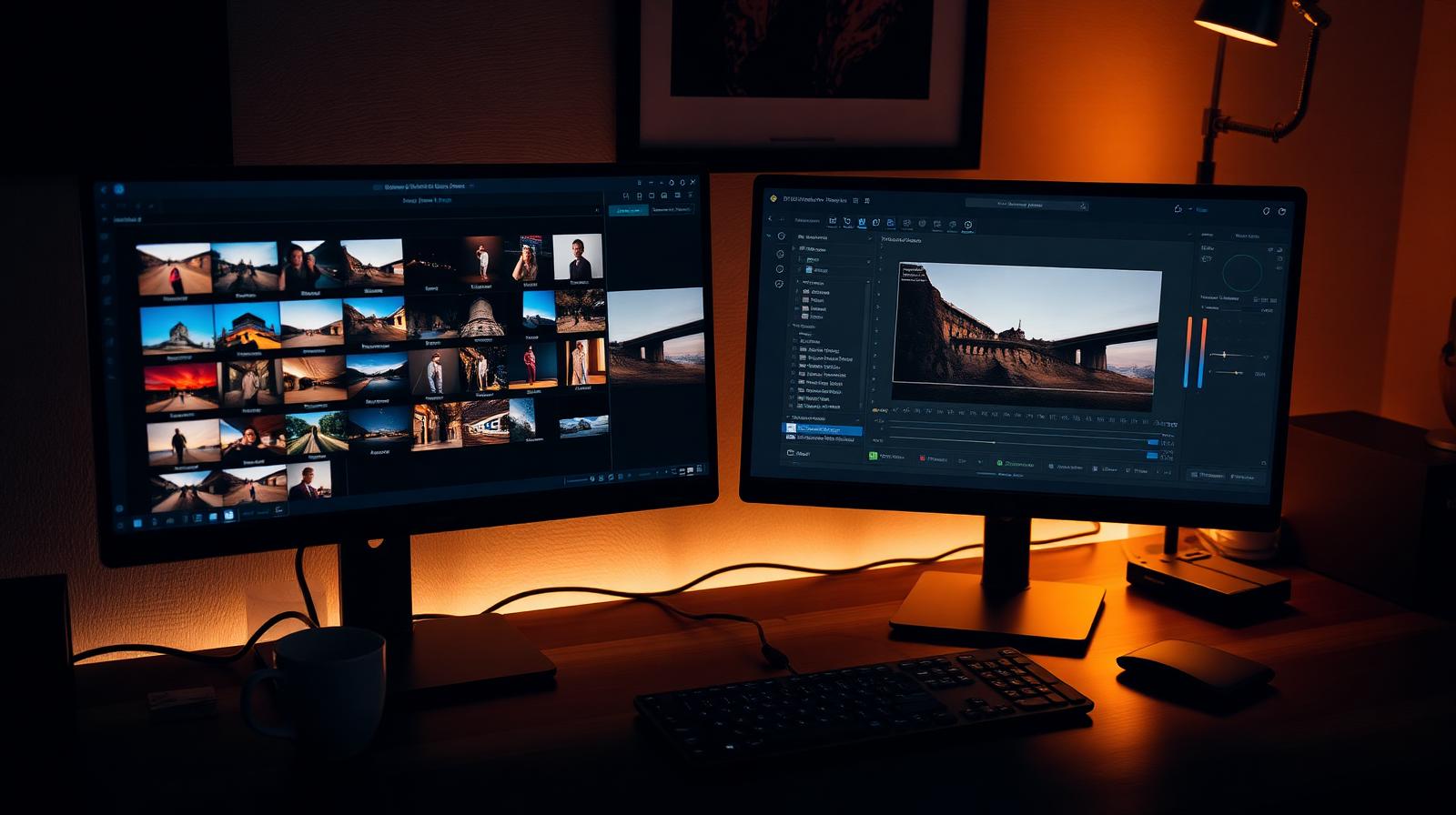
Lightroom Classic, Lightroom, Photoshop, and 20GB of cloud storage for $9.99/month. We tested whether it's still the right starting point in 2026.
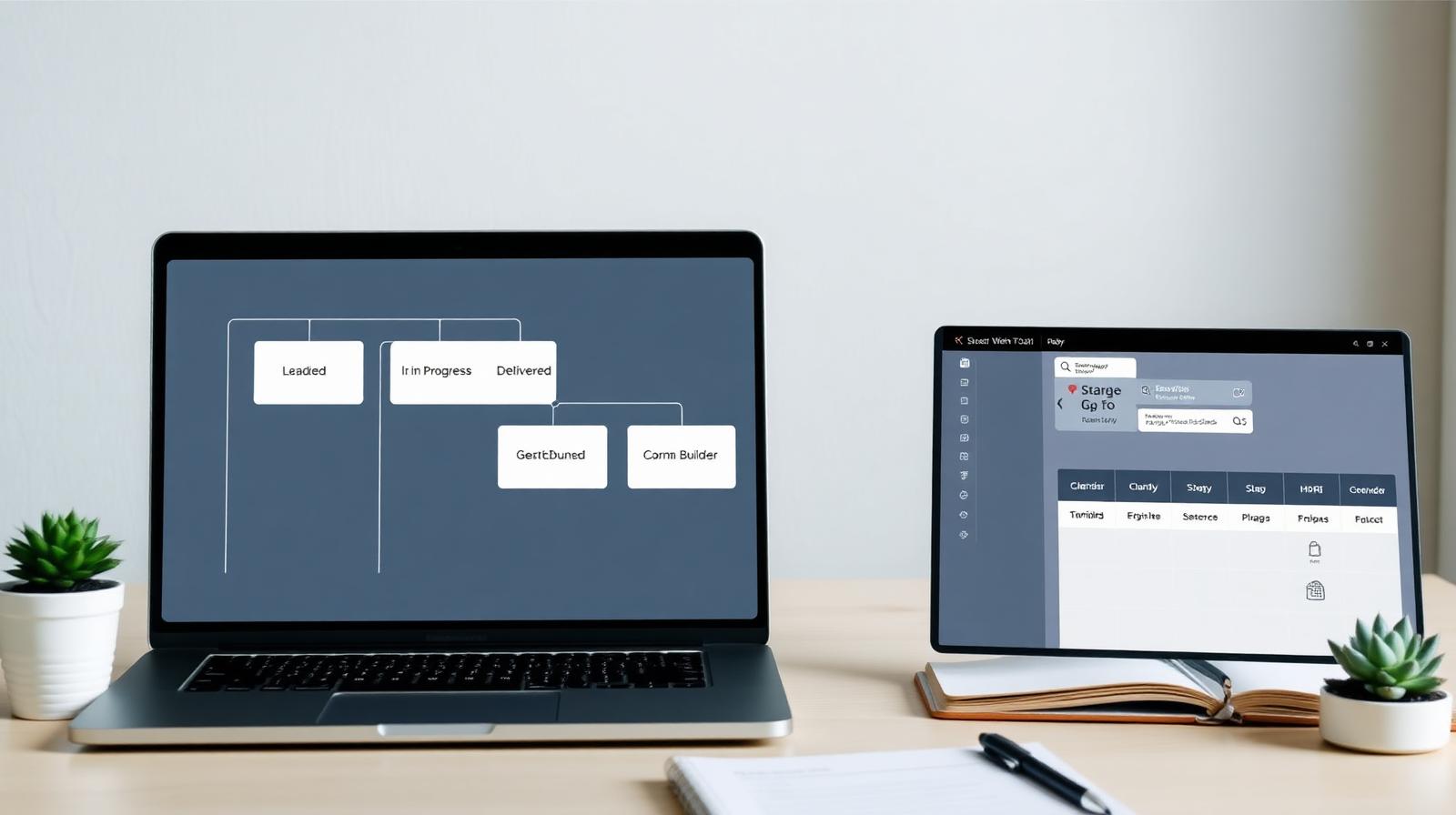
Dubsado's workflow engine, form builder, and template depth are unmatched — if you're willing to spend a weekend setting it up. We tested it end to end.
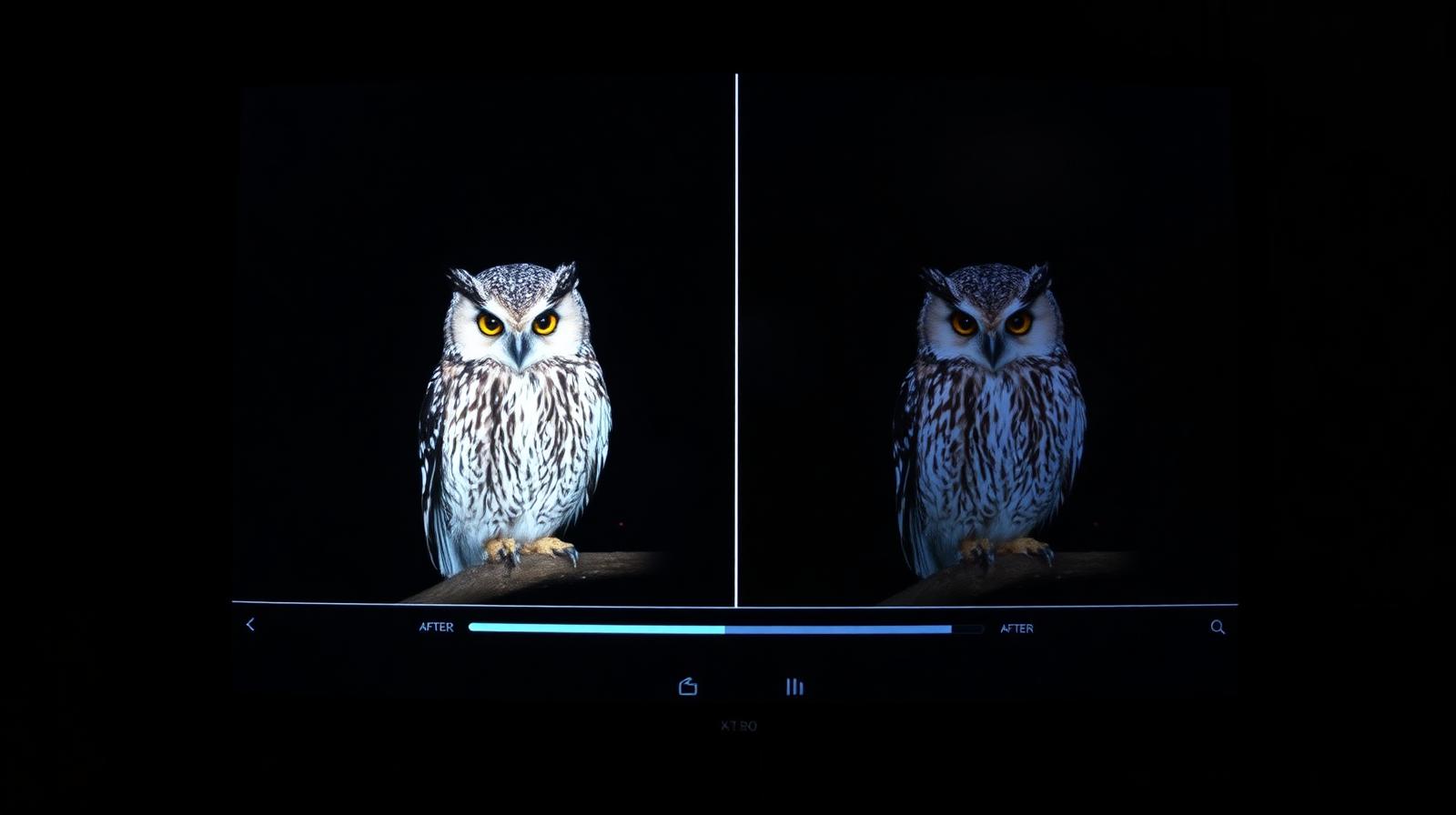
Topaz Photo AI bundles three of the best AI image tools into one $199 perpetual app. It's slower than Lightroom's built-in Denoise, but the recovery from genuinely broken files is still unmatched.

HoneyBook handles inquiries, contracts, invoices, and payments in one place — and the workflow automations are friendlier than Dubsado's. We tested it on a full booking cycle.
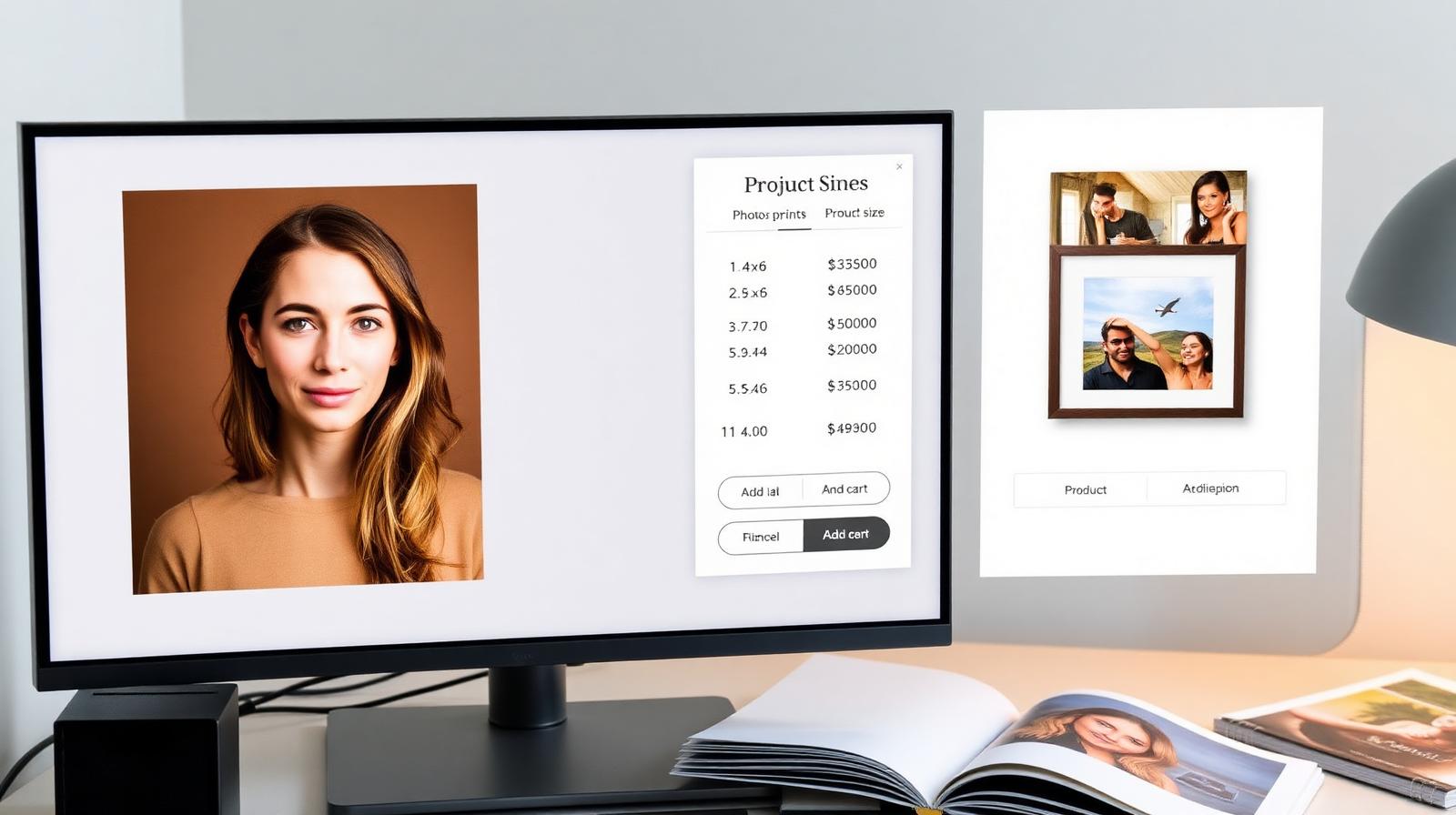
ShootProof keeps it simple — galleries, a print store with zero commission, contracts, and invoicing. We tested it for volume and school work.
Pic-Time's store, slideshows, and marketing automations sell more prints than any other gallery platform we've tested. Here's where it shines and where Pixieset still wins.

Pixieset's galleries look great out of the box, and the store, contracts, and CRM modules have matured into a real all-in-one. We tested it on a full wedding delivery.
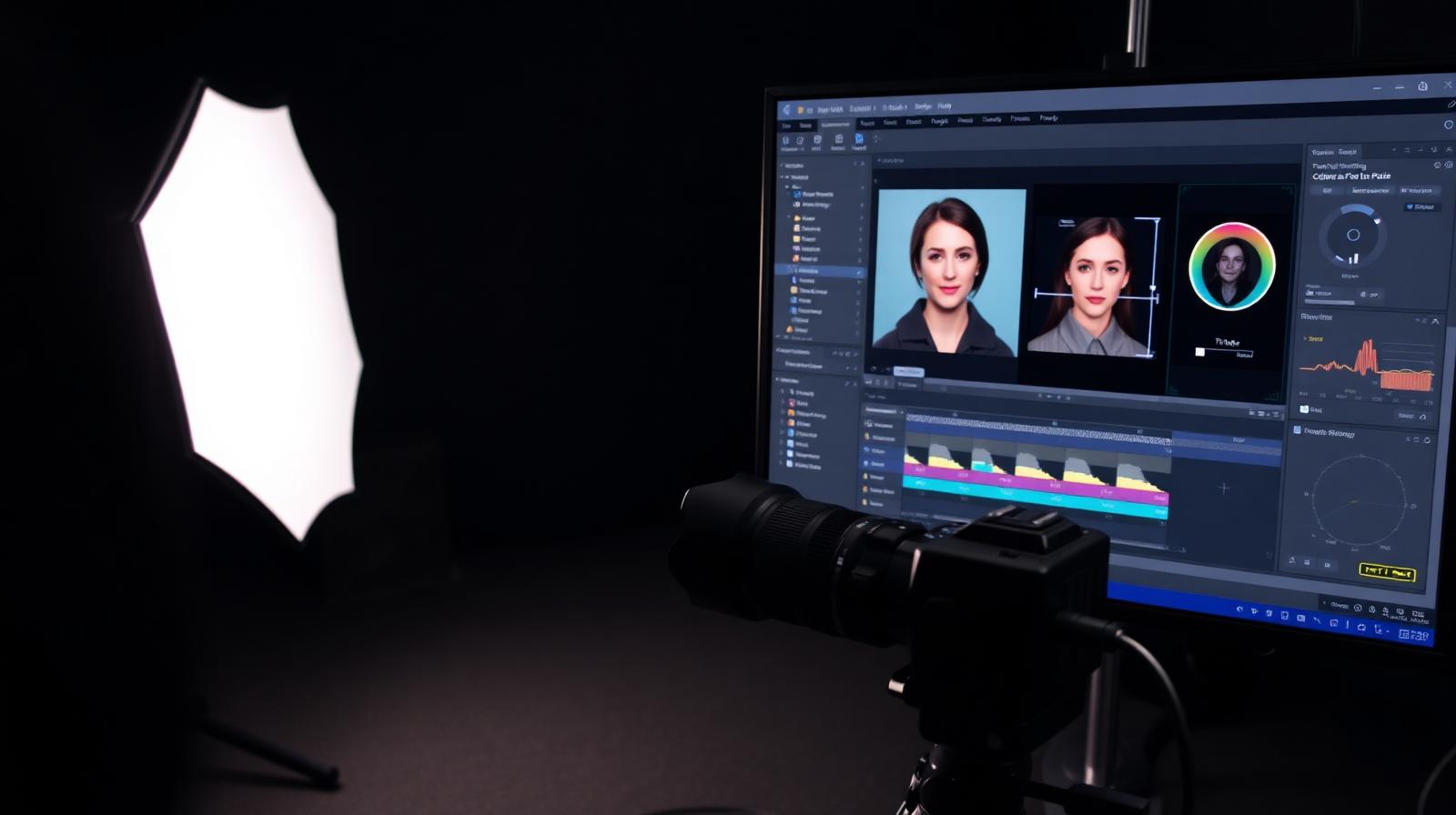
Capture One still has the best tethered shooting, the cleanest color science, and a perpetual license option. The catalog is fiddlier than Lightroom's and the AI tools lag — but for studio work, nothing else comes close.
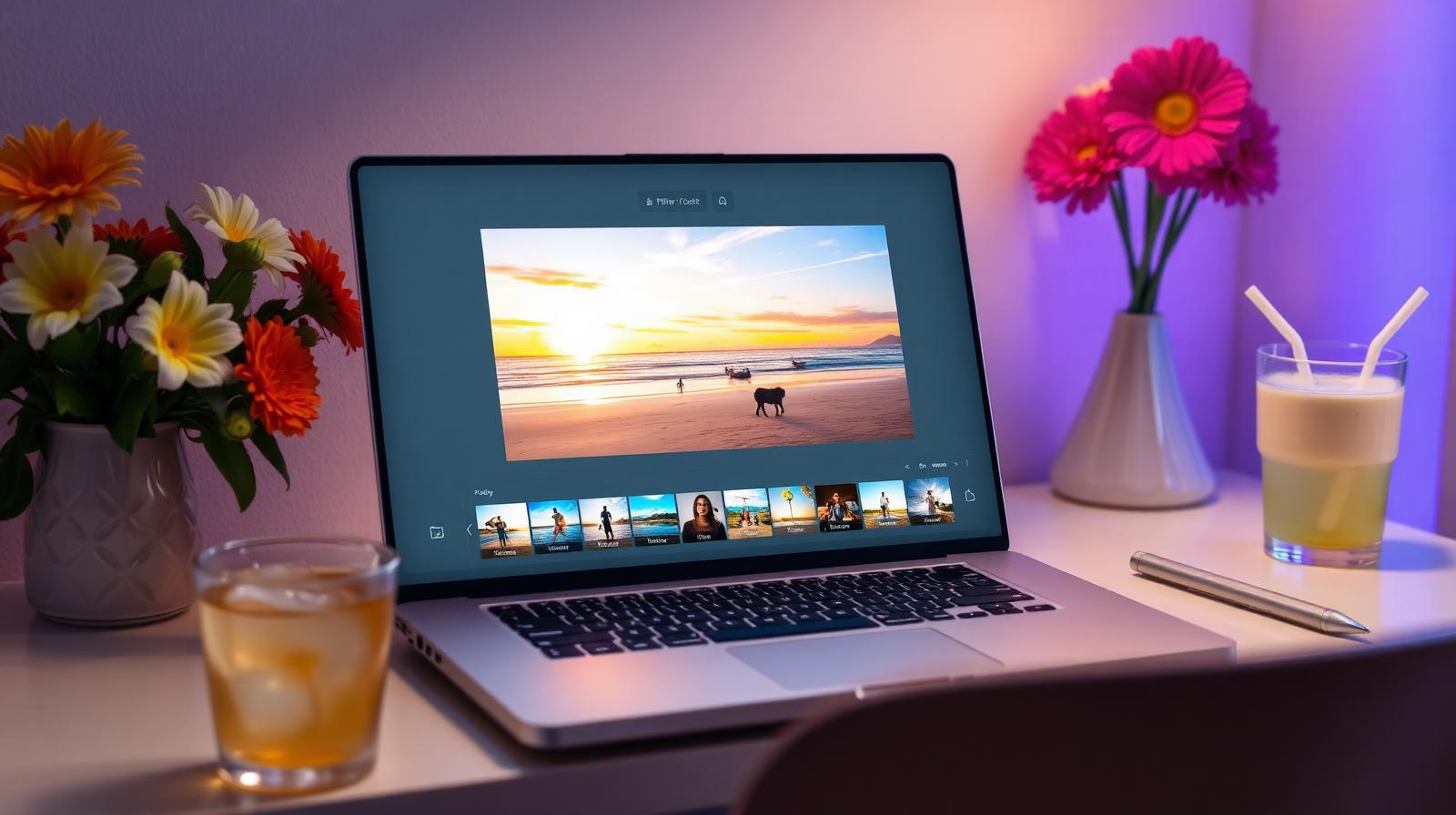
ColorCinch is a free-to-start online editor with surprisingly good AI cutouts, filters, and a non-destructive layer system. We tested it for casual and social work.
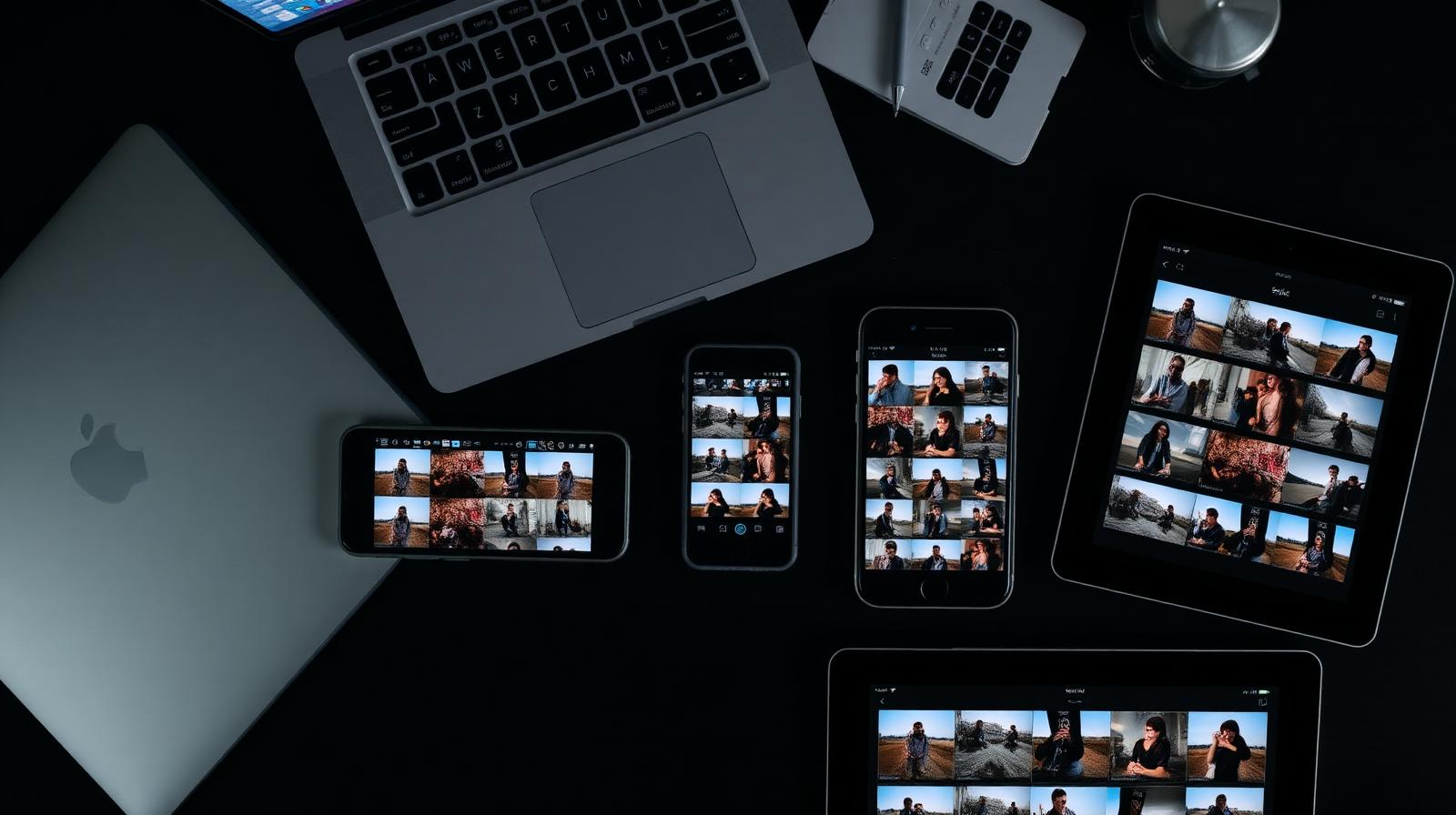
Mylio syncs your entire photo library across phone, laptop, and NAS without cloud lock-in. We tested it across 180,000 images.
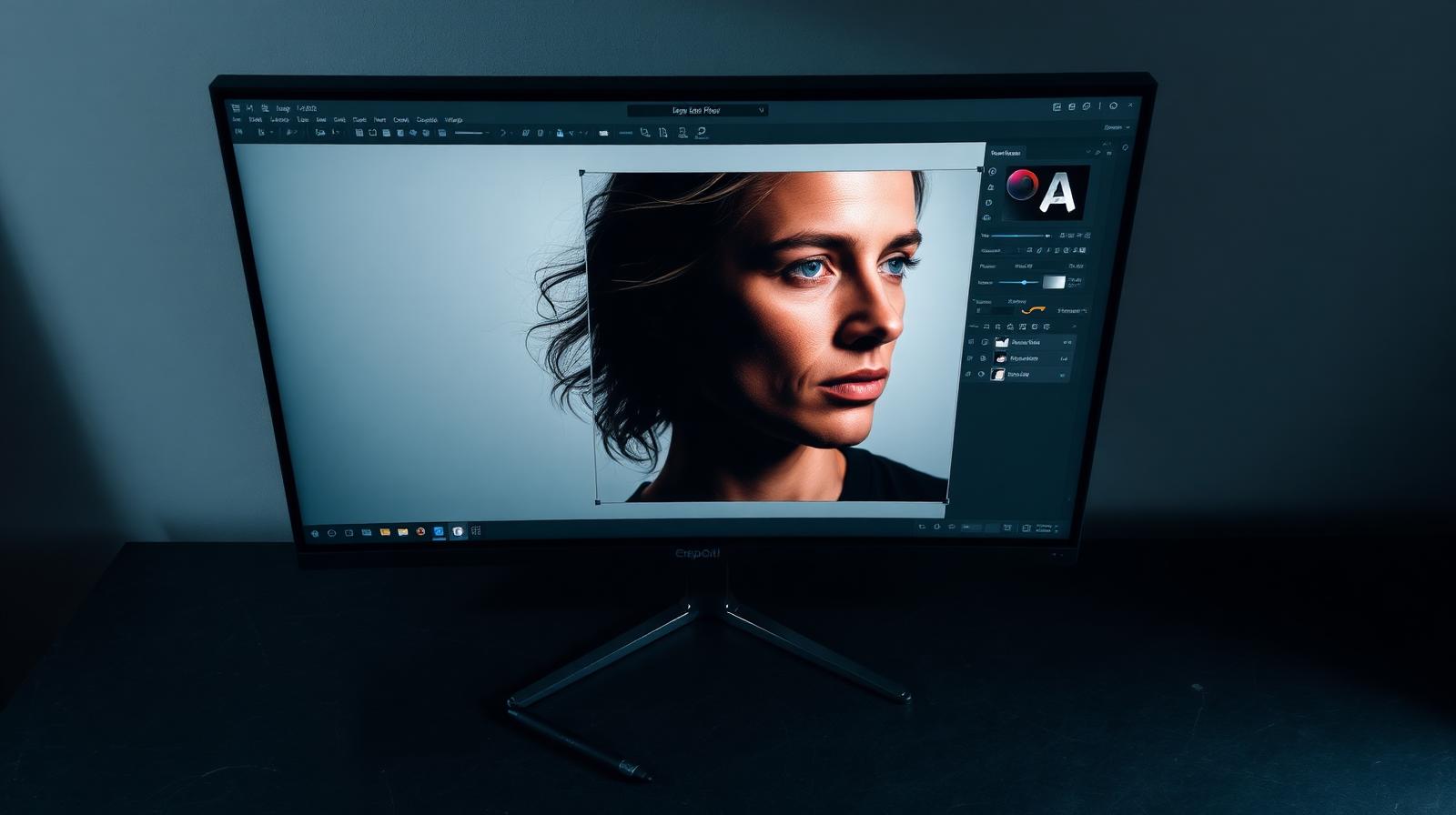
Generative Fill went from gimmick to daily tool in this release. Photoshop is still the heaviest, most expensive option — and still the only one that does everything.
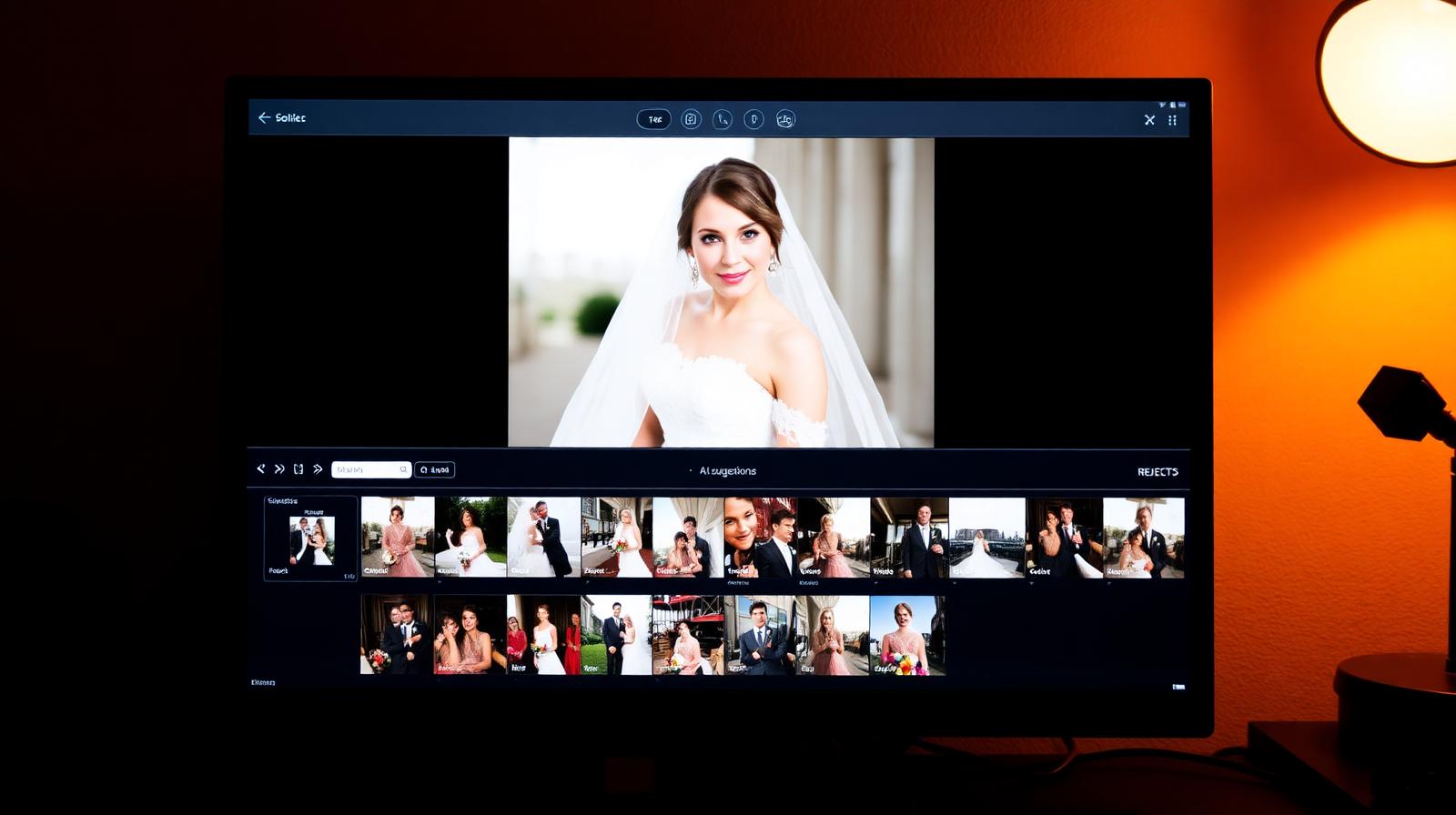
Aftershoot culls 3,000 wedding files in under 20 minutes, picks the keepers, and now edits too. We tested Cull, Edit, and Workflow modules.
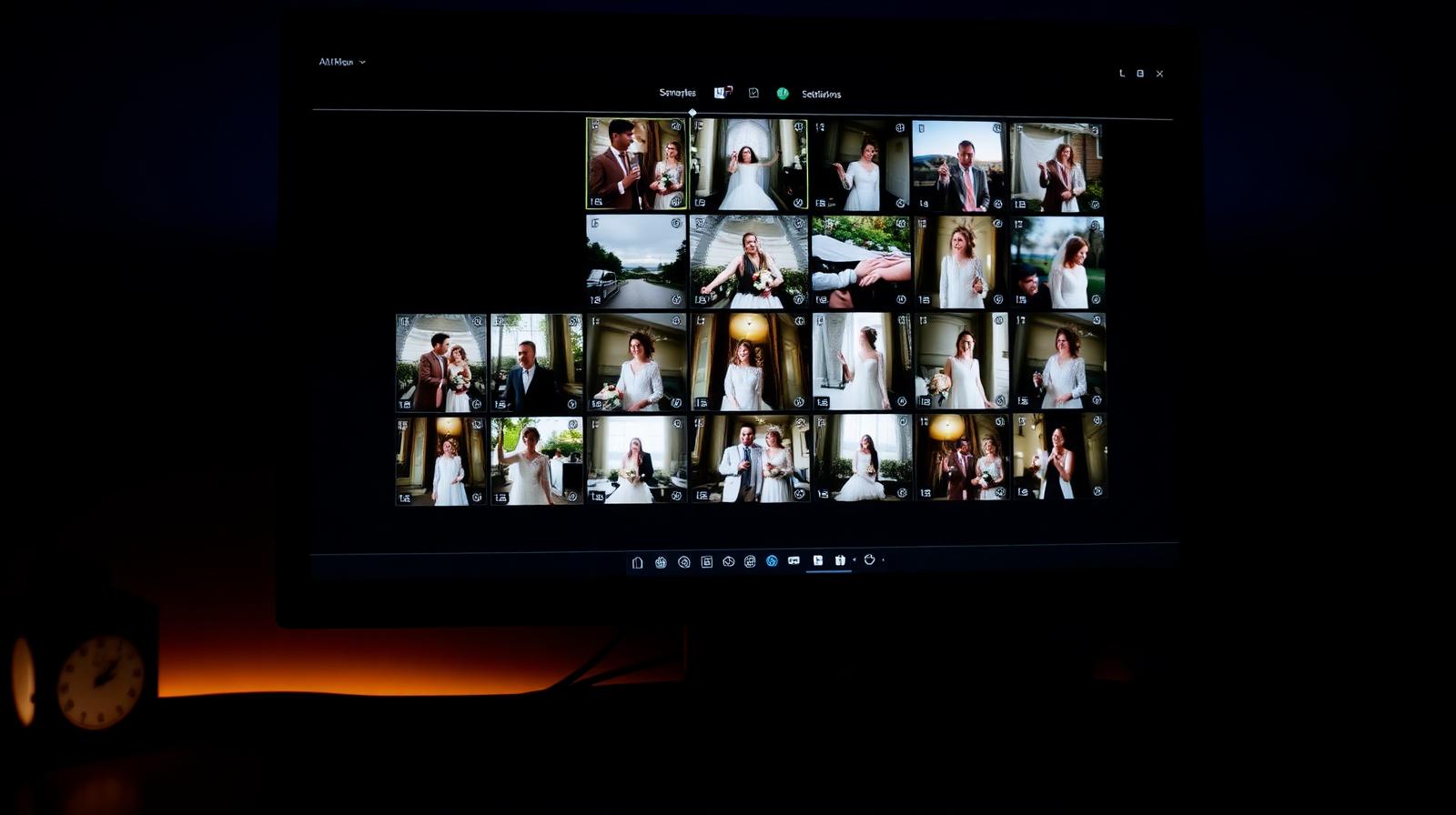
Imagen learns your edit style from a few thousand of your own photos and applies it to entire weddings in minutes. We tested it on three real catalogs.
After a year of daily use across 80,000+ images, Lightroom Classic remains the most complete RAW workflow on the market — but the subscription math gets harder every year.